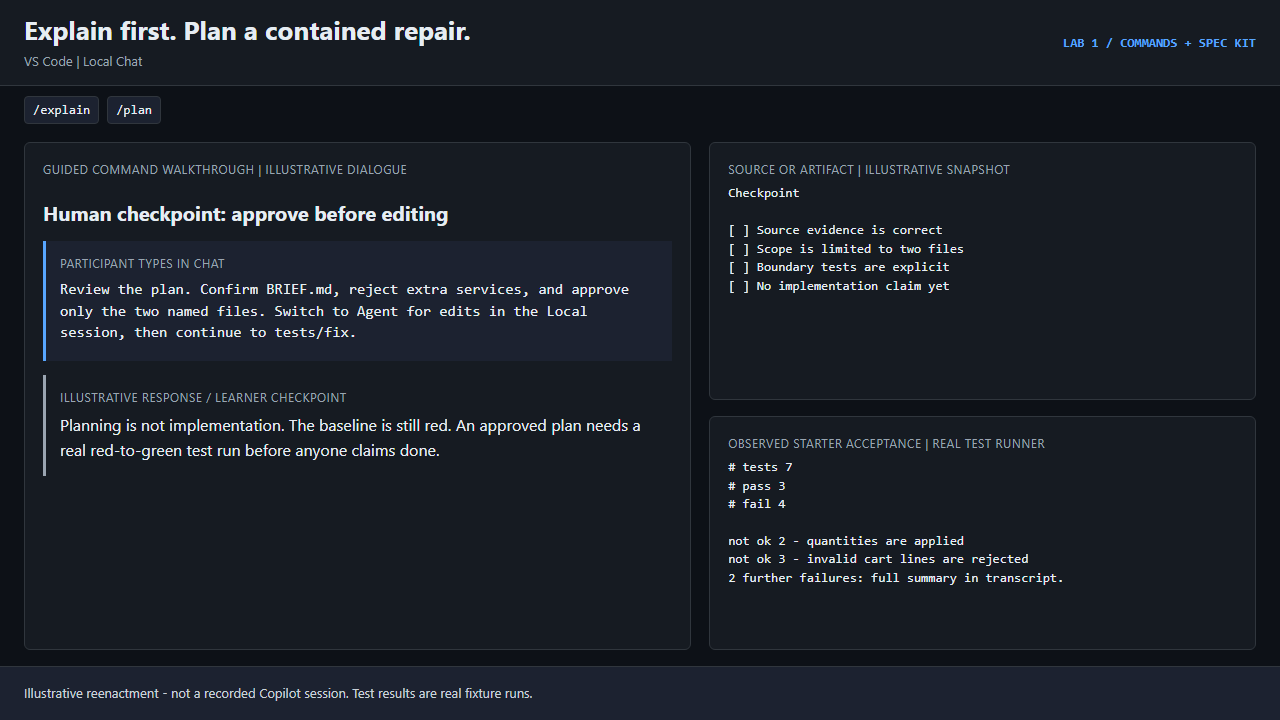
GIF 1 · VS Code | Local Chat
Explain first. Plan a contained repair.
/explain/plan
Ask for source evidence and an approved scope before any implementation.
Real starter check: 3/7. This flow stops before any code changes.
75 minutes · VS Code + GitHub Copilot app
Use the built-in slash commands that keep an agent grounded in your code, then build a feature the spec-driven way with GitHub Spec Kit: constitution, specify, clarify, plan, tasks, implement, converge.
Illustrative reenactment - not a recorded Copilot session. Test results are real fixture runs. Select a poster to play it full screen.
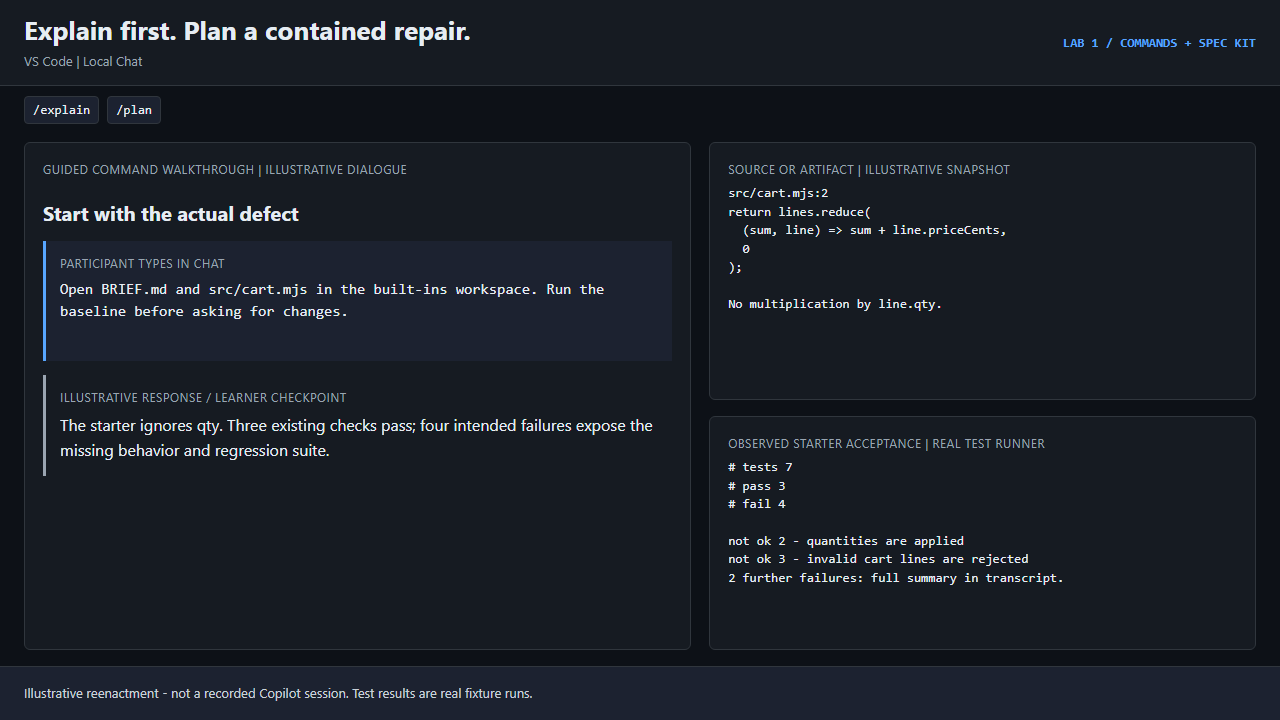
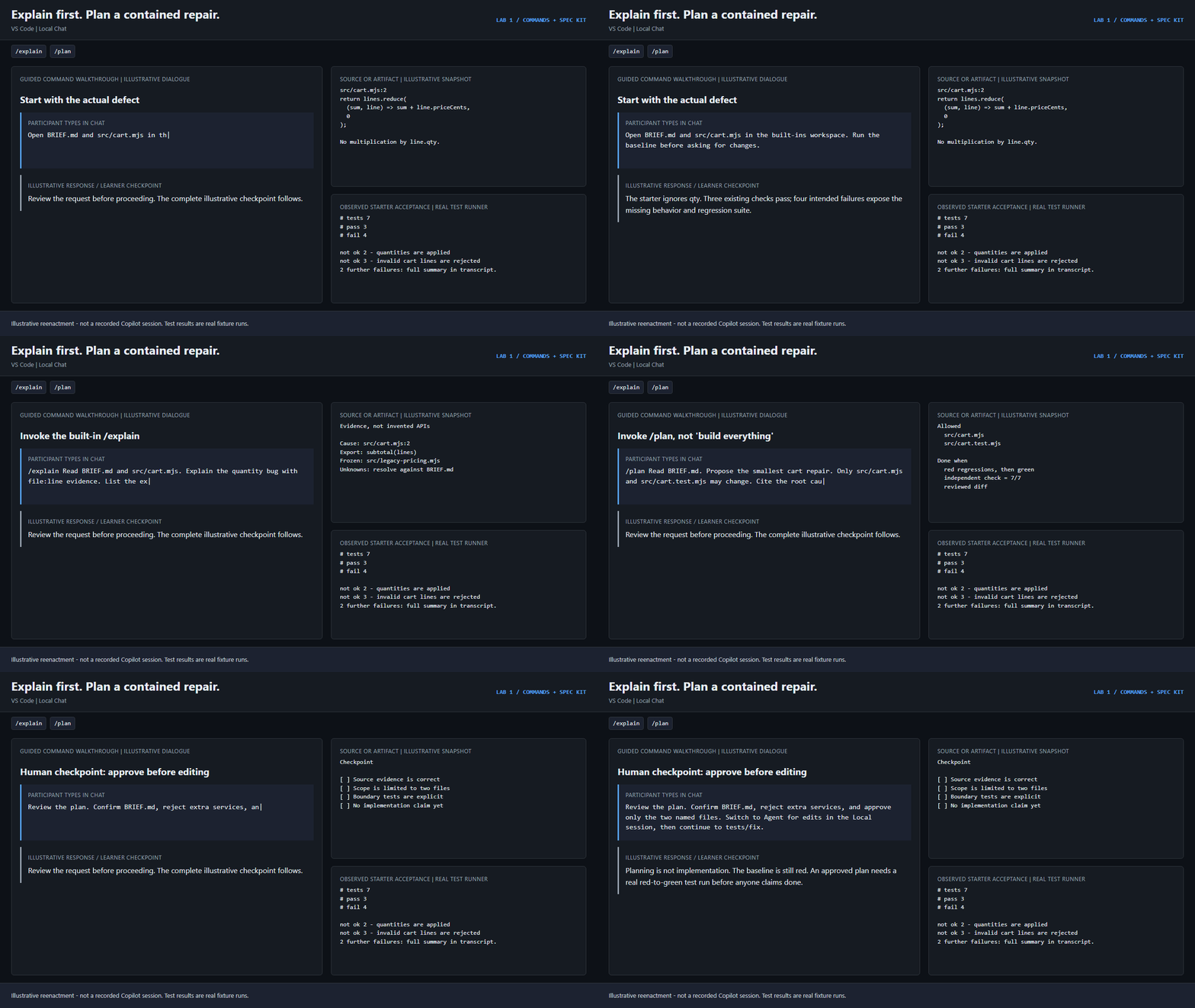
GIF 1 · VS Code | Local Chat
/explain/planAsk for source evidence and an approved scope before any implementation.
Real starter check: 3/7. This flow stops before any code changes.
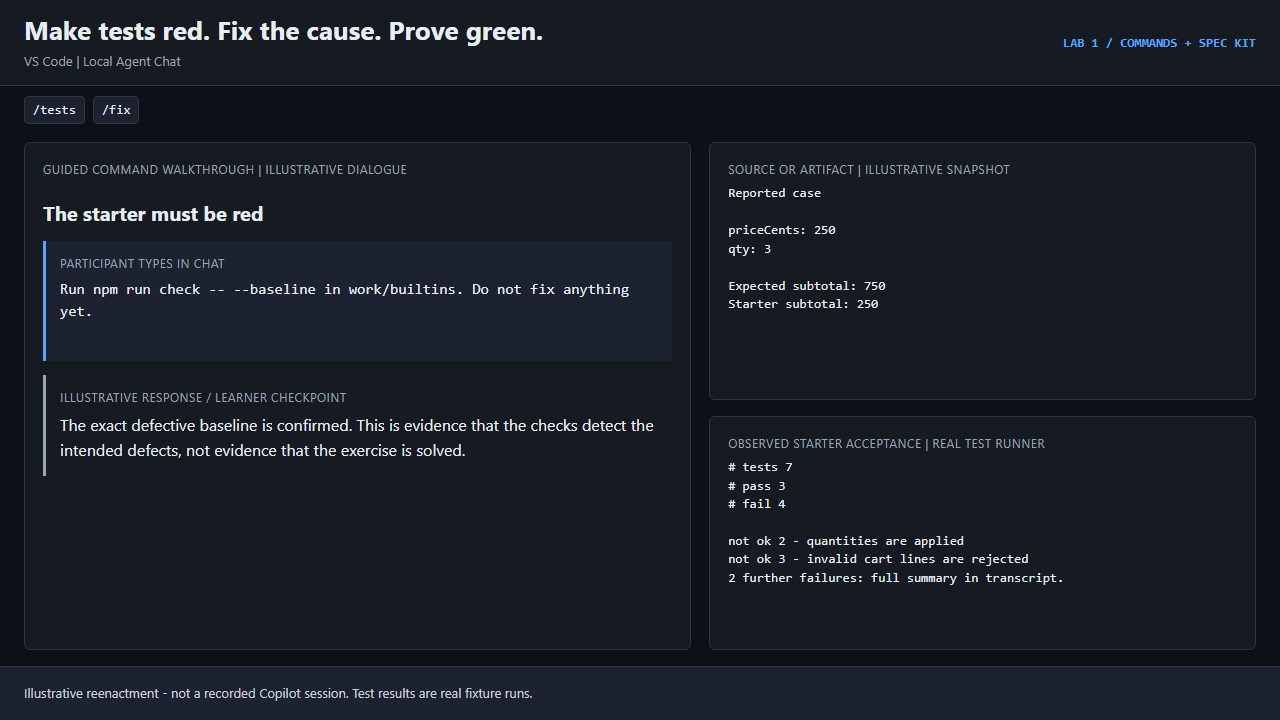
GIF 2 · VS Code | Local Agent Chat
/tests/fixUseful tests fail on the starter and pass on the repair; the lab checks both.
Real reference acceptance: 7/7 pass, exit 0.
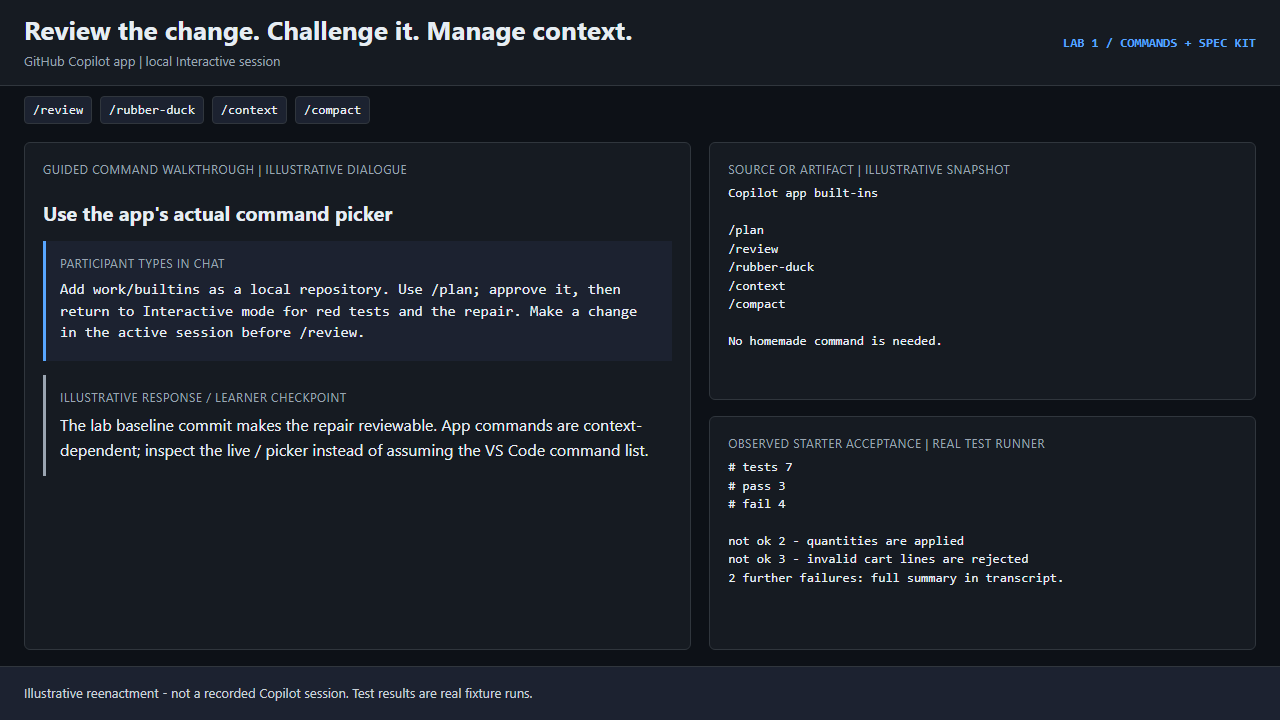
GIF 3 · GitHub Copilot app | local Interactive session
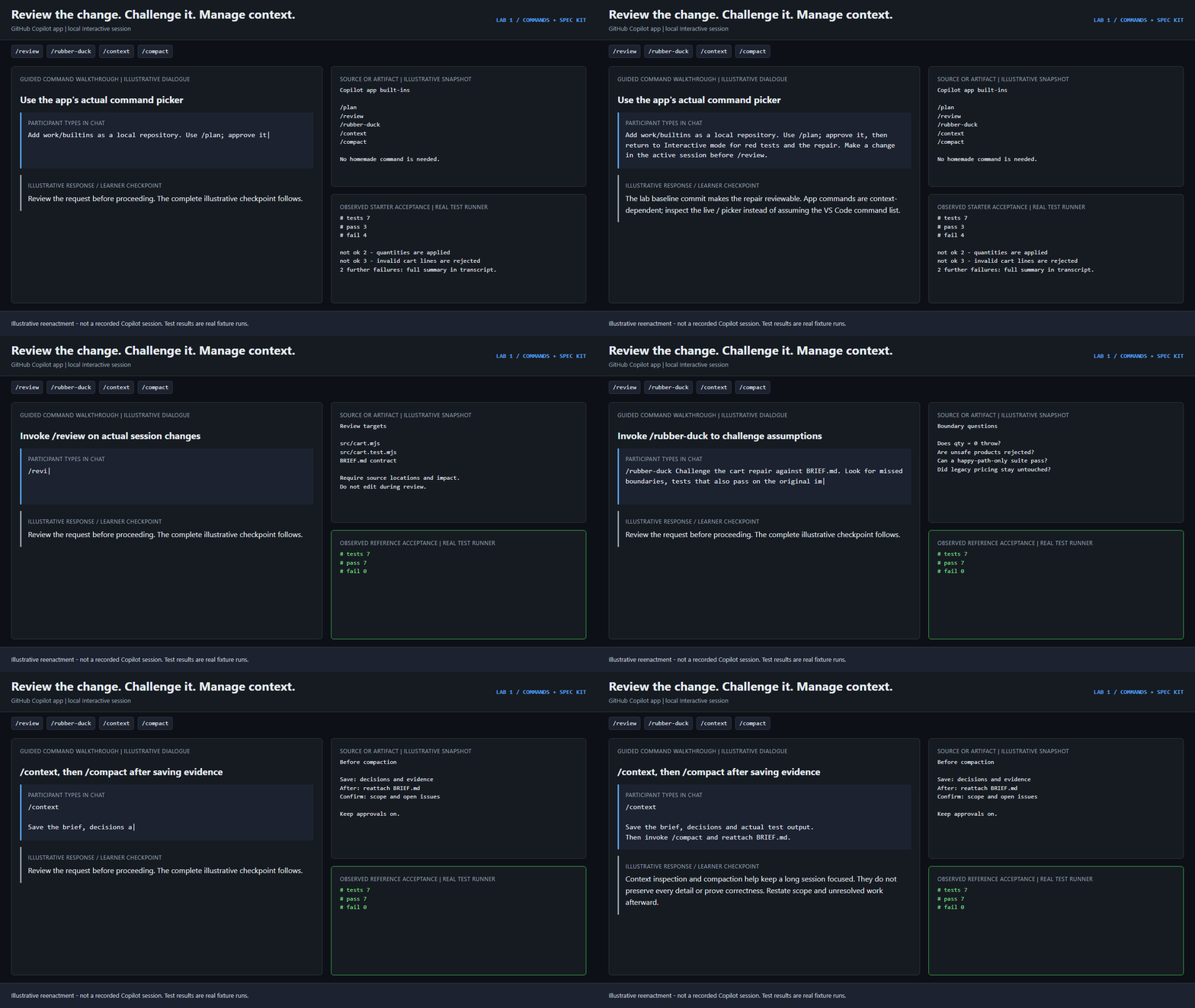
/review/rubber-duck/context/compactThe app has its own built-ins; /tests and /fix are not promised app commands.
Real reference acceptance: 7/7 pass, exit 0.
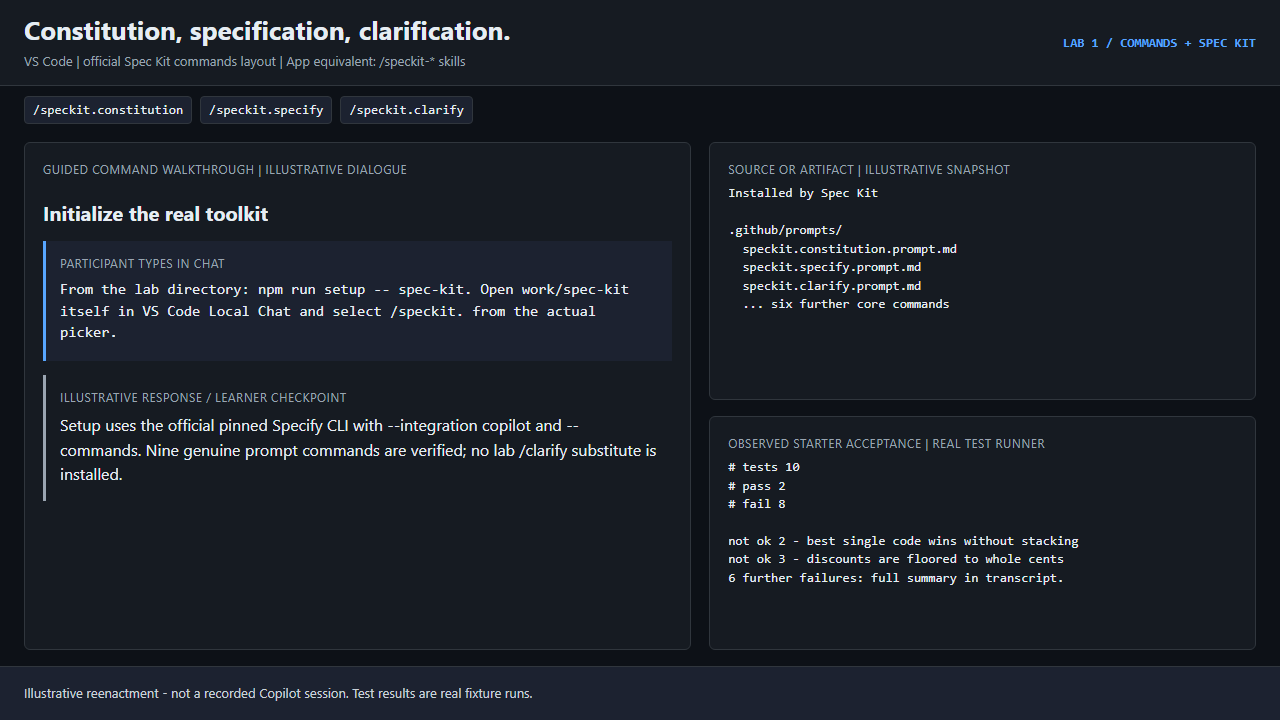
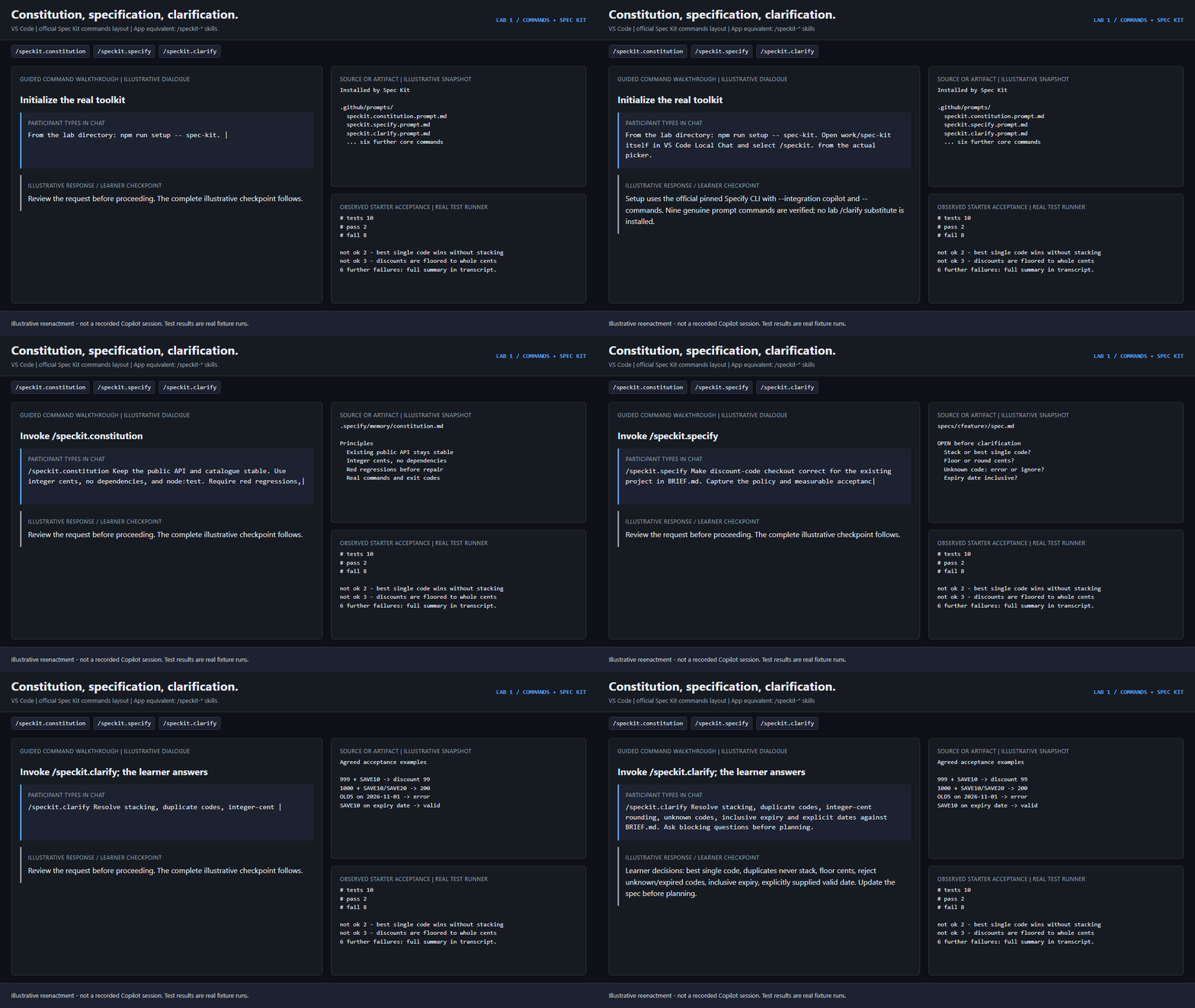
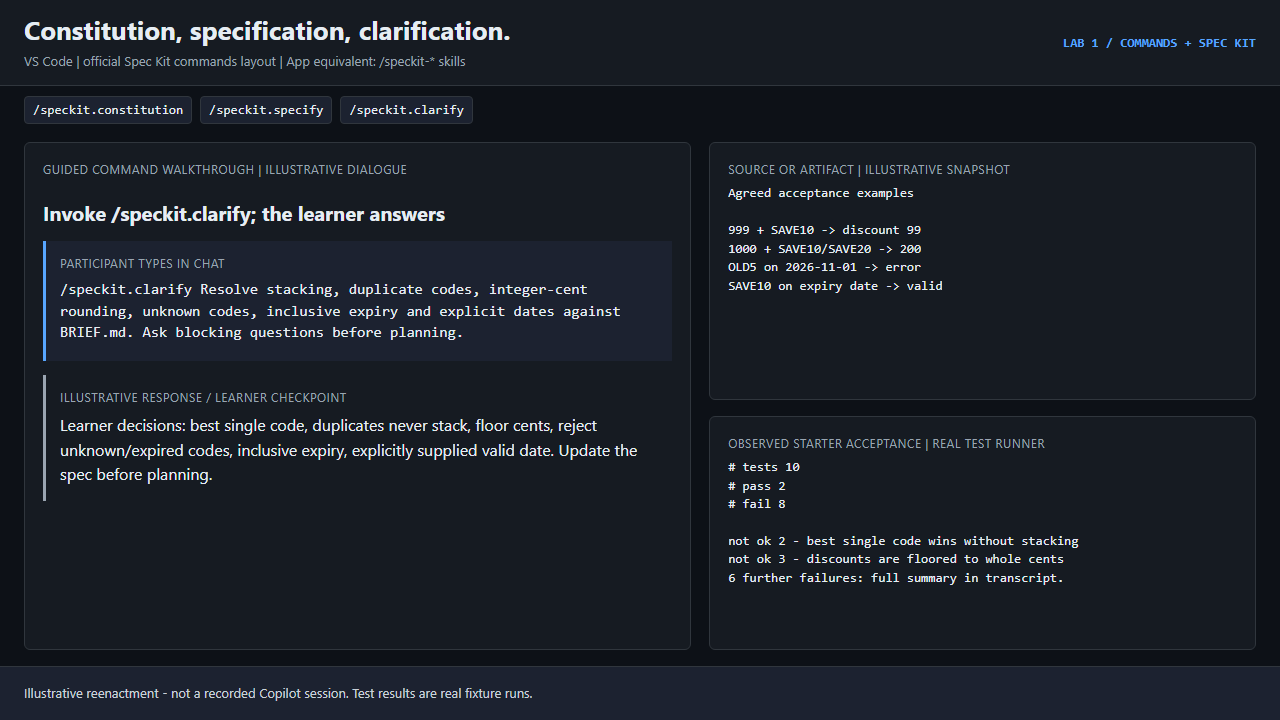
GIF 4 · VS Code | official Spec Kit commands layout
/speckit.constitution/speckit.specify/speckit.clarifyResolve stacking, rounding and expiry before design or code; app skills use /speckit-*.
Real starter check: 2/10. This flow stops before any code changes.
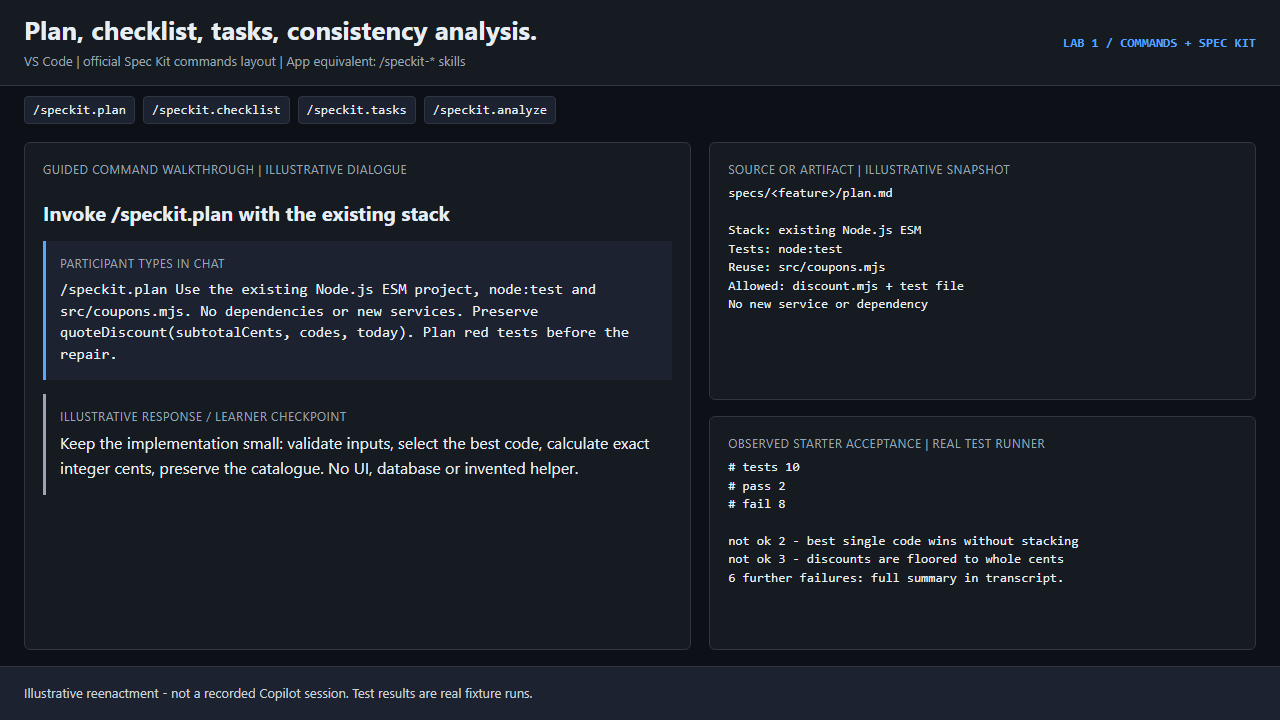
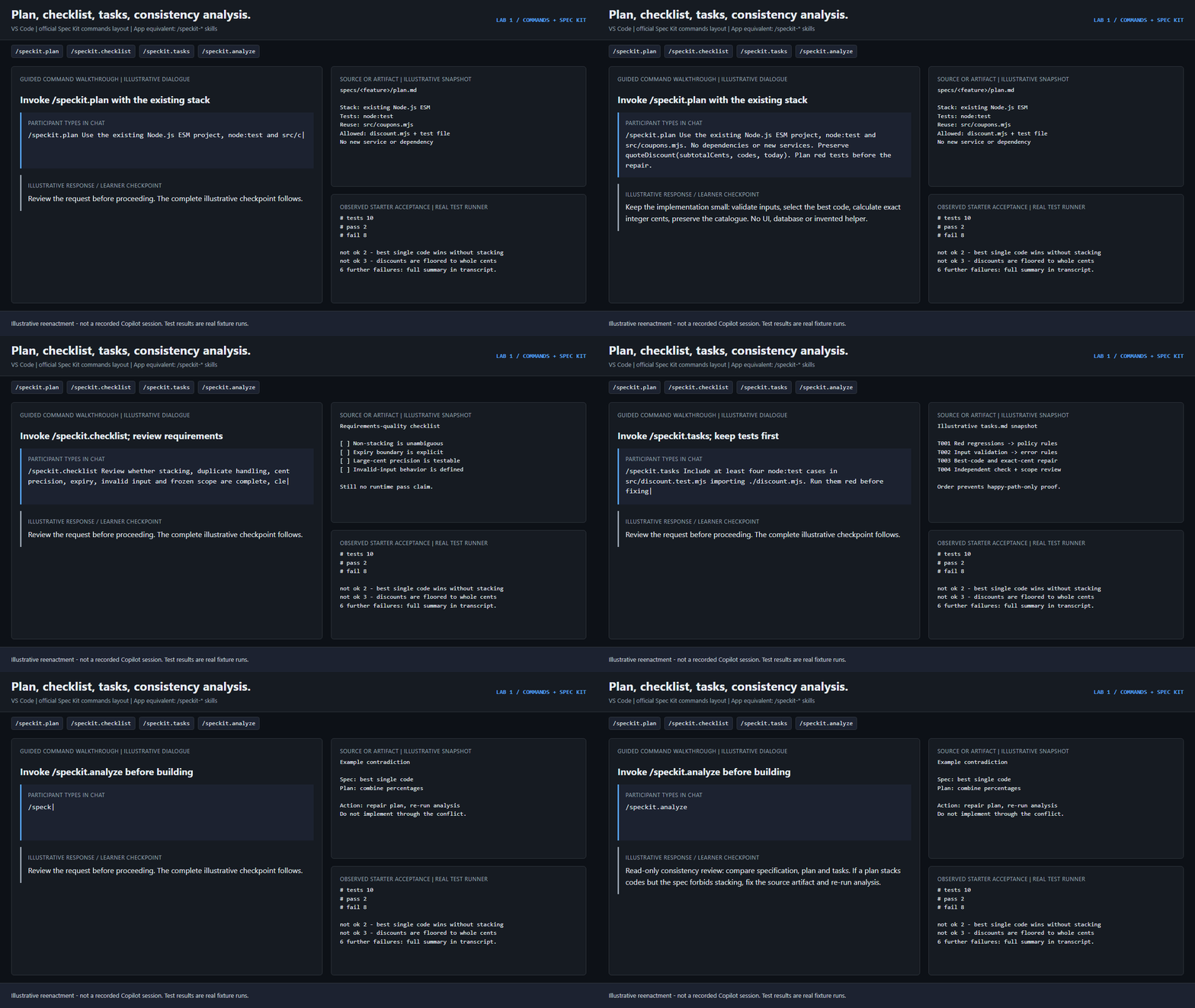
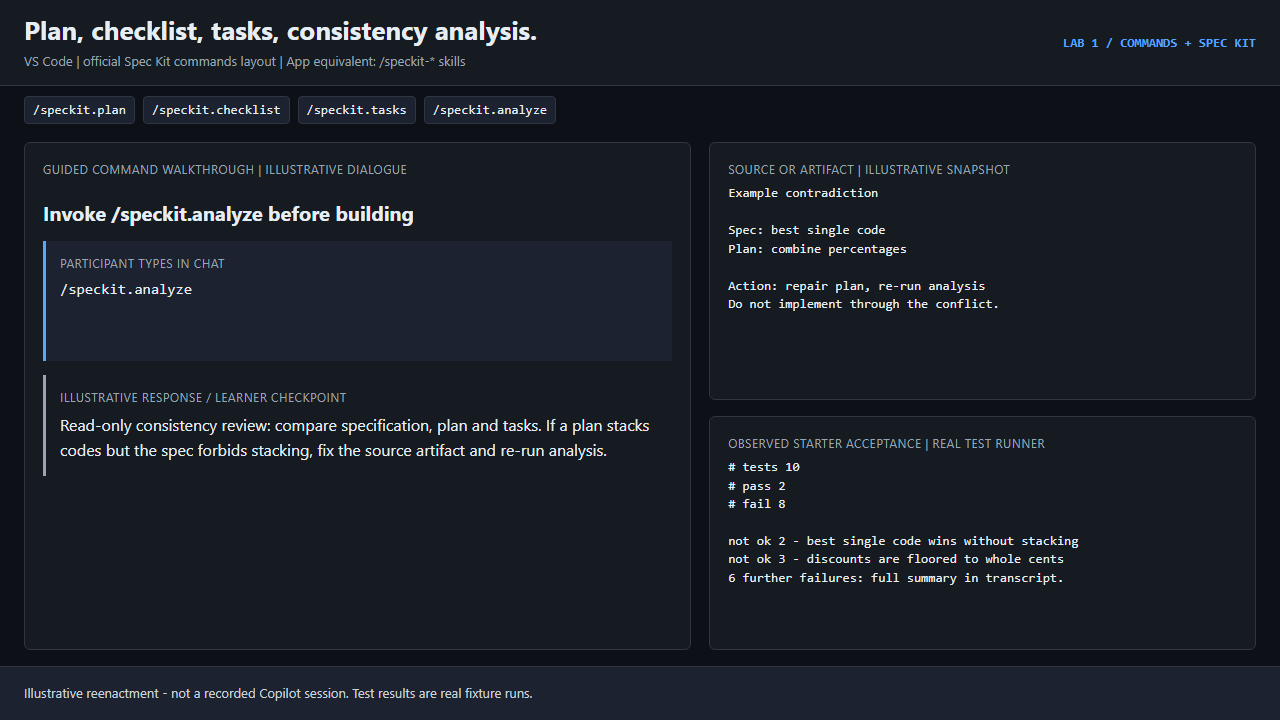
GIF 5 · VS Code | official Spec Kit commands layout
/speckit.plan/speckit.checklist/speckit.tasks/speckit.analyzeA requirements checklist is not a runtime test. Resolve contradictions before implementation.
Real starter check: 2/10. This flow stops before any code changes.
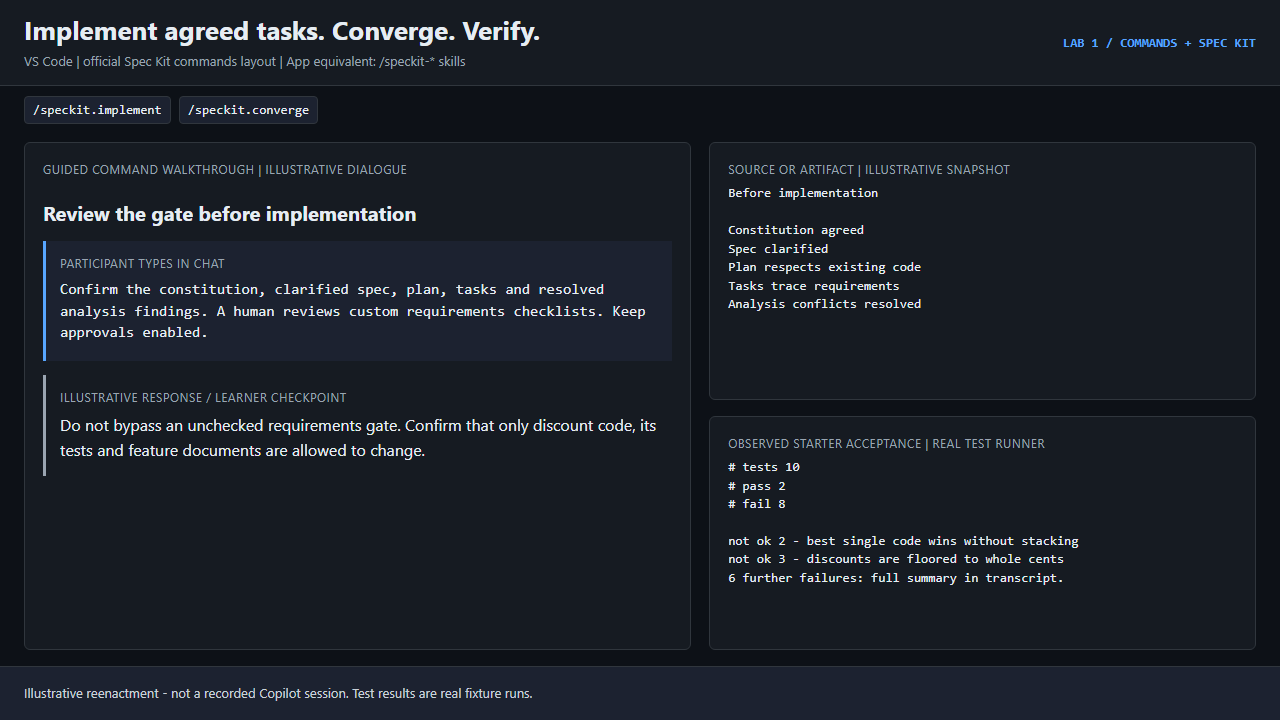
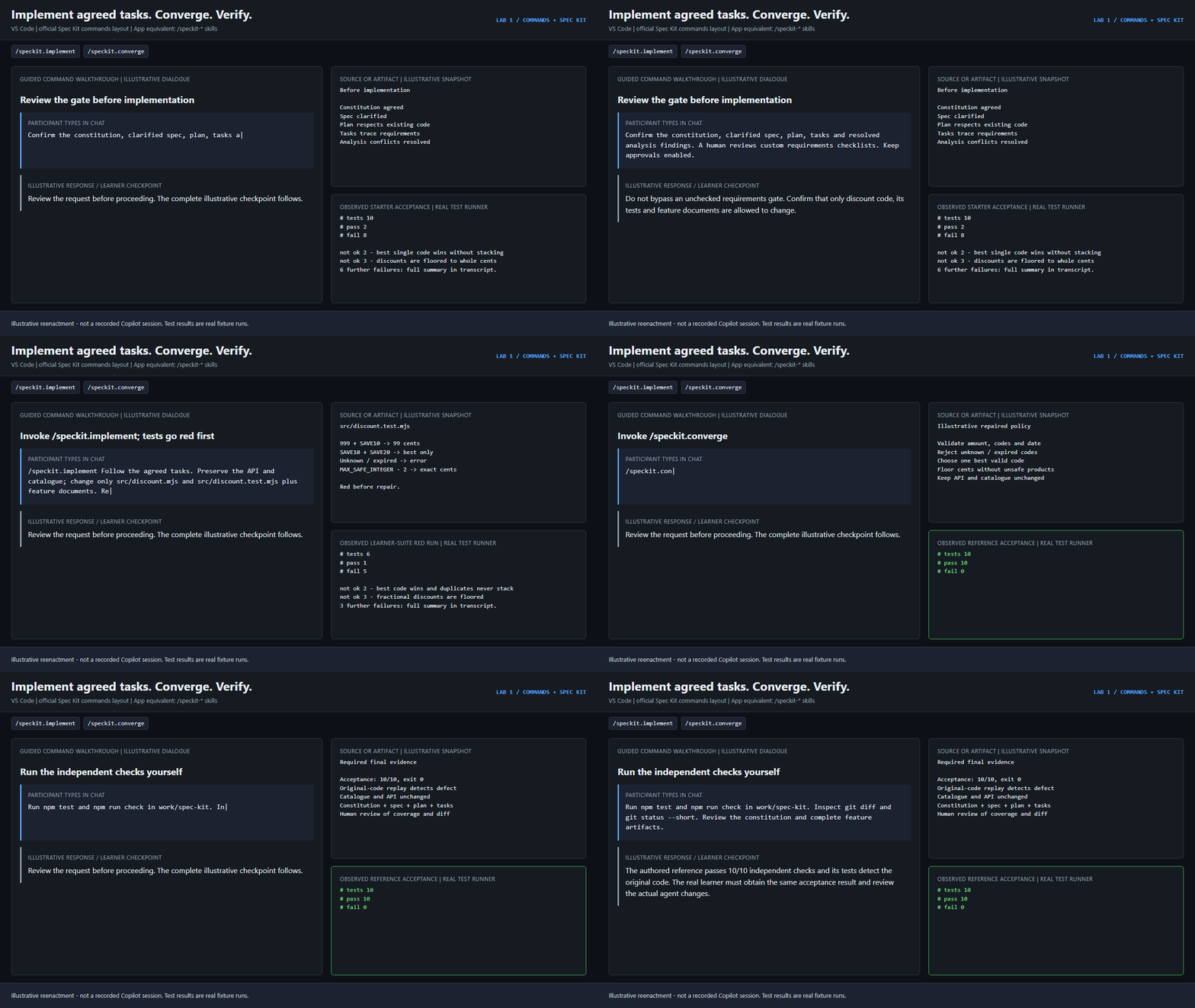
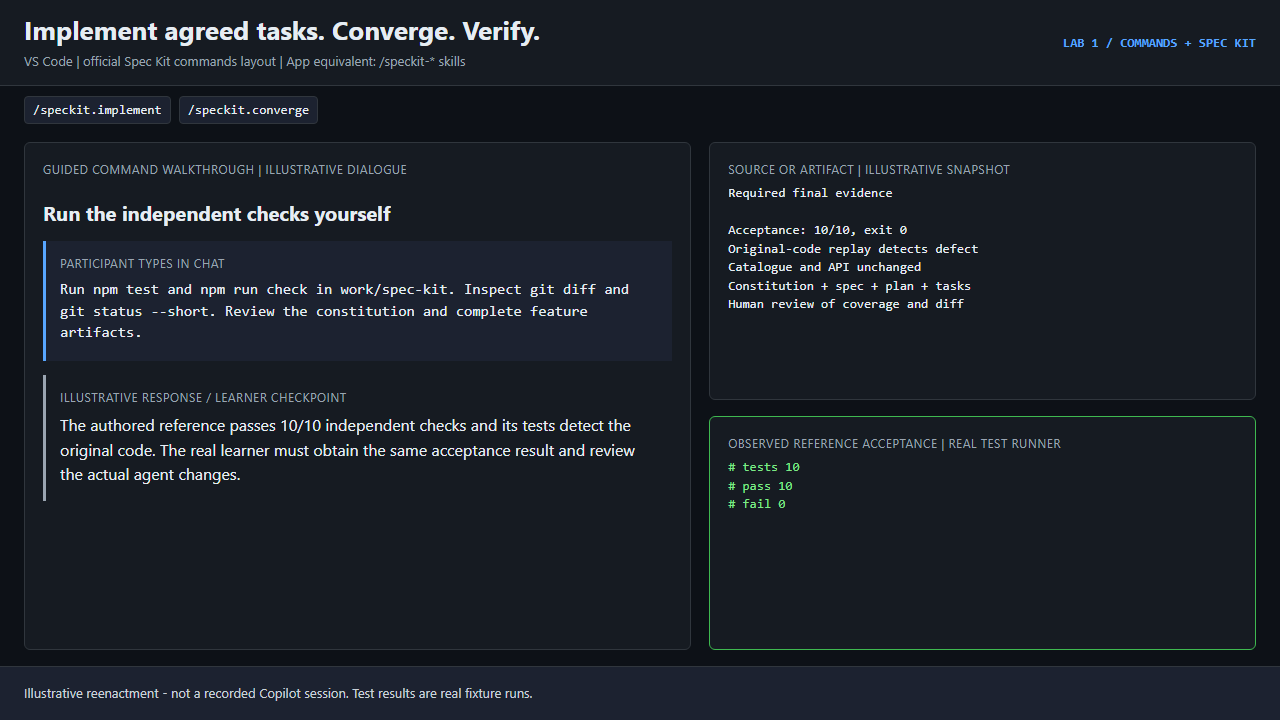
GIF 6 · VS Code | official Spec Kit commands layout
/speckit.implement/speckit.convergeSpec Kit reviews completeness; independent checks and the human-reviewed diff establish the final evidence.
Real reference acceptance: 10/10 pass, exit 0.
Goal: use slash commands as checkpoints rather than shortcuts, and agree on a specification before any code is written. You practice on deliberately broken code. An independent checker decides when you are done, not the model.
| Part | Time | Workspace | You invoke |
|---|---|---|---|
| A. Built-in /commands | 25-35 min | work\builtins |
VS Code: /explain, /plan, /tests, /fix, /compact. Copilot app: /plan, /review, /rubber-duck, /context, /compact |
| B. Spec Kit development | 40-55 min | work\spec-kit (VS Code) or work\spec-kit-skills (app) |
/speckit.constitution ... /speckit.converge (VS Code) or /speckit-constitution ... (app) |
Set up first: follow the environment guide. Watch the six Lab 1 GIFs on the workshop site before each part.
These are real commands provided by your client or installed by the official
Spec Kit CLI. This lab installs no homemade /clarify or /verify prompts.
Scenario: src/cart.mjs ignores the quantity of each line. The agent must
explain it, plan a contained repair, prove the bug with failing tests, fix only
the cause, and show fresh evidence.
npm.cmd run setup -- builtins
code -n .\work\builtins
Then, from the workspace terminal:
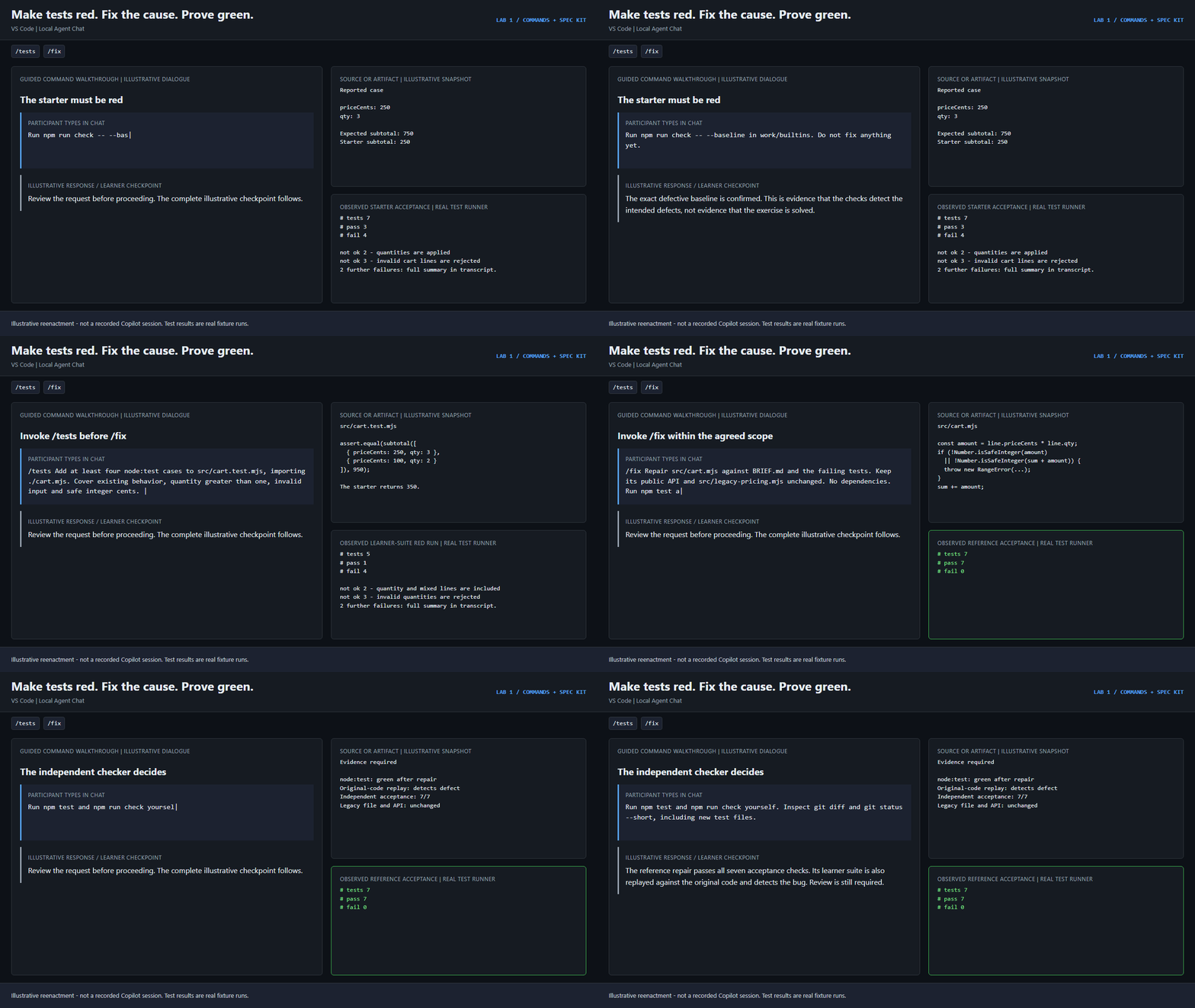
npm.cmd run check -- --baseline
Expect 3/7 pass, 4 intended failures, BASELINE CONFIRMED, not solved.
Send each message separately and review the result before the next one. Use Ask/Plan for read-only steps; switch to Agent (still Local) for edits.
Explain with evidence (no edits)
/explain Read BRIEF.md and src/cart.mjs. Explain the quantity bug with file:line evidence. List the existing API and unknowns. Do not edit files.
Plan the smallest repair
/plan Read BRIEF.md. Propose the smallest cart repair. Only src/cart.mjs and src/cart.test.mjs may change. Cite the root cause and propose boundary tests. Do not implement yet.
Make tests red first
/tests Add at least four node:test cases to src/cart.test.mjs, importing ./cart.mjs. Cover existing behavior, quantity greater than one, invalid input and safe integer cents. Do not change src/cart.mjs. Run npm test and report the observed failures.
Stop: the new tests must fail while the bug still exists. If they all pass, reject them and ask for the missing boundary cases.
Fix the cause, not the tests
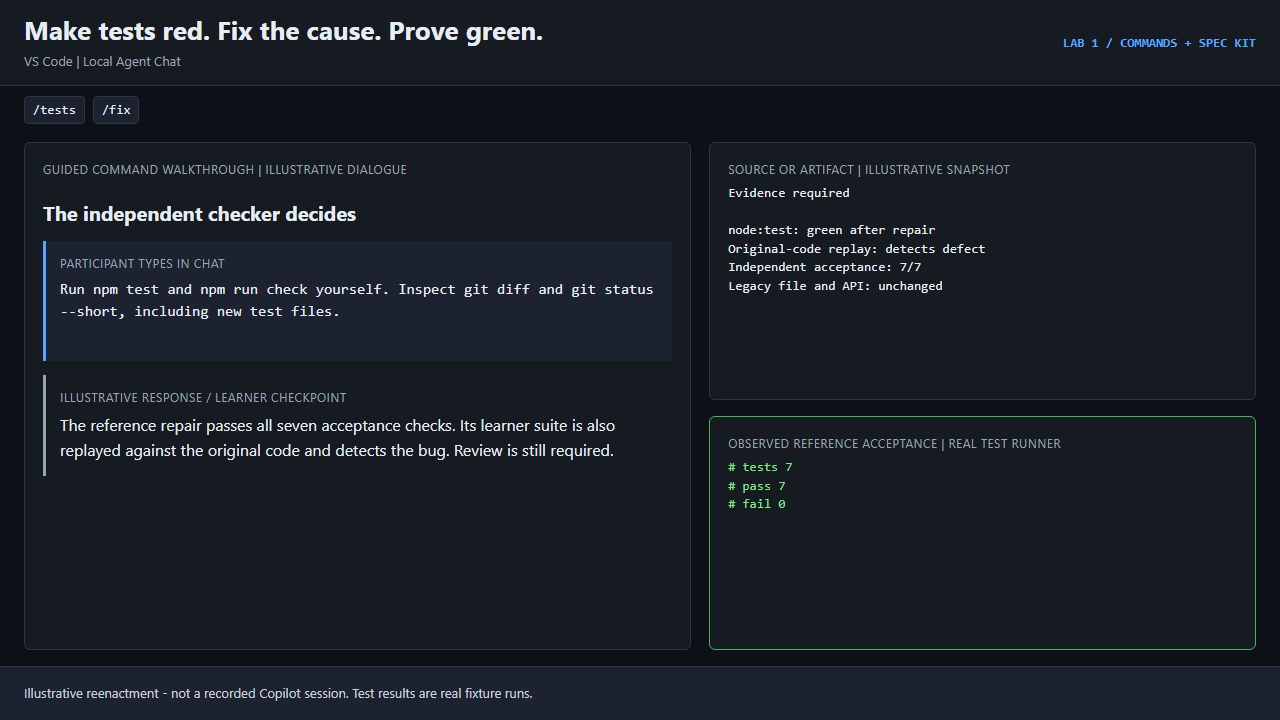
/fix Repair src/cart.mjs against BRIEF.md and the failing tests. Keep its public API and src/legacy-pricing.mjs unchanged. No dependencies. Run npm test and npm run check; report both exit codes and any unresolved issue.
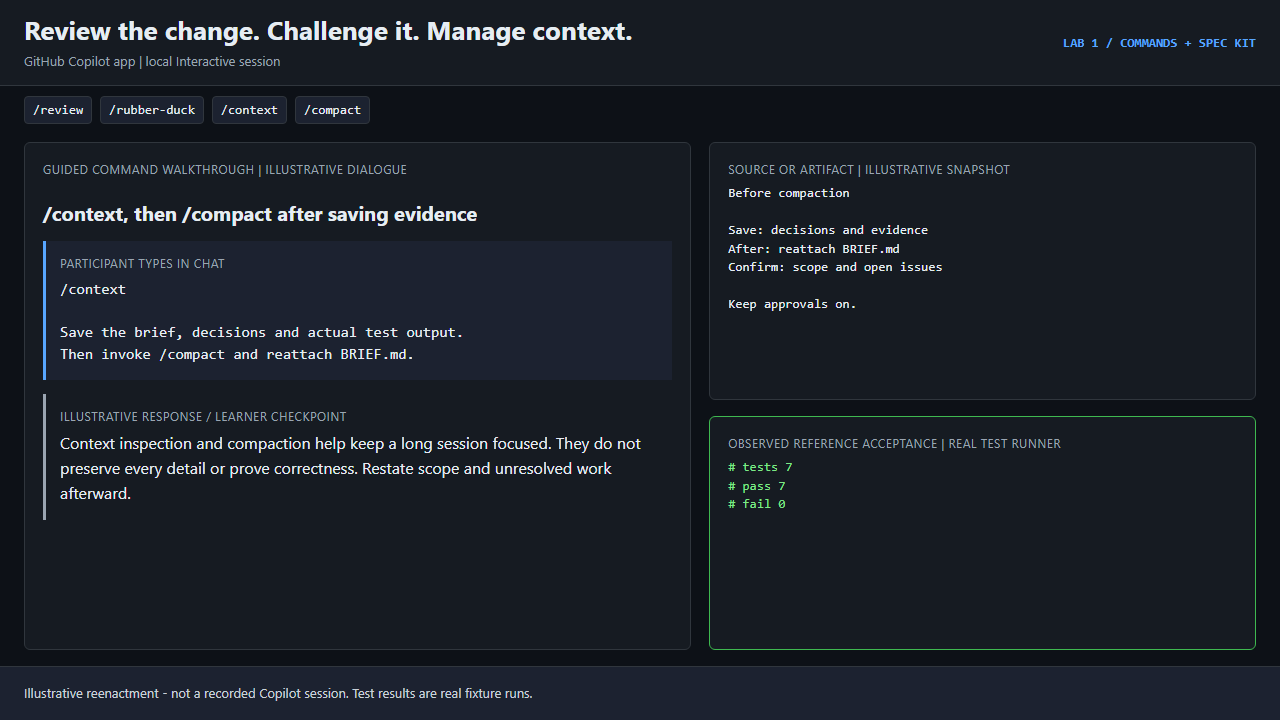
Save evidence, then compact. After you save the brief, your decisions
and the real test output, try /compact. Reattach BRIEF.md and ask the
agent to restate scope and unresolved work. Compaction does not prove
correctness.
Add work\builtins as a local repository and start an Interactive session.
Use /plan with the same plan prompt as above. Approve it.
Ask in plain chat for red tests, then for the repair. The app has no
documented /tests or /fix command, so do not invent equivalents.
Once the session has changes, critique them:
/review
/rubber-duck Challenge the cart repair against BRIEF.md. Look for missed boundaries, tests that also pass on the original implementation, and out-of-scope changes. Do not edit.
Inspect /context, then try /compact.
npm.cmd test
npm.cmd run check
git --no-pager diff
git --no-pager status --short
You need VERIFIED: 7/7, exit 0. The checker also runs your tests against
the original broken code: a suite that passes on both fails the lab. Review
untracked test files too, because git diff does not show them.
Scenario: "Support discount codes" leaves stacking, rounding and expiry undecided. Spec Kit makes you settle them in a specification, plan and task list before the agent writes code.
Return to the lab directory (not the Part A workspace) and pick your client:
| Client | Setup | Command names |
|---|---|---|
| VS Code | npm.cmd run setup -- spec-kit then code -n .\work\spec-kit |
Dotted prompt commands: /speckit.specify |
| Copilot app | npm.cmd run setup -- spec-kit-skills, then add work\spec-kit-skills as a local repository |
Hyphenated skills: /speckit-specify (run /skills reload if needed) |
Setup runs the official, pinned specify-cli==1.2.3 in isolation. It never
touches a global specify.
specify init <workspace> --integration copilot --integration-options="--commands --events false" --script ps --non-interactive --ignore-agent-tools
The app track uses --skills instead of --commands. macOS/Linux uses
--script sh. Setup verifies the nine installed workflow entries.
Baseline from the workspace terminal: 2/10 pass, 8 intended failures.
The examples use the VS Code dotted names. In the app, replace the dot with a
hyphen, for example /speckit-clarify.
Constitution: fix the project's rules once.
/speckit.constitution Keep the public API and catalogue stable. Use integer cents, no dependencies, and node:test. Reproduce defects with red regression tests. Reject invalid input explicitly. Require real terminal verification and no unrelated edits.
Specify: say what checkout must do, not how.
/speckit.specify Make discount-code checkout correct for the existing project in BRIEF.md. Capture the discount policy and measurable acceptance criteria before implementation. Do not change code yet.
Clarify: answer from BRIEF.md. Do not let the agent silently pick stacking, rounding or expiry rules.
/speckit.clarify Resolve stacking, duplicate codes, integer-cent rounding, unknown codes, inclusive expiry and explicit dates against BRIEF.md. Ask the blocking questions before planning.
Plan: reuse the existing code.
/speckit.plan Use the existing Node.js ESM project, node:test and src/coupons.mjs. No dependencies or new services. Preserve quoteDiscount(subtotalCents, codes, today). Plan tests that fail on the original implementation before repairing it.
Checklist: review the quality of the requirements, not the code.
/speckit.checklist Review whether stacking, duplicate handling, cent precision, expiry, invalid input and frozen scope are complete, clear and testable. Do not treat this as a passing code test.
Tasks: ordered, requirement-linked work items.
/speckit.tasks Include at least four node:test cases in src/discount.test.mjs importing ./discount.mjs. Run them red before fixing src/discount.mjs, then run npm test and npm run check.
Analyze: find contradictions between spec, plan and tasks. Fix material findings in those documents and rerun before you build.
/speckit.analyze
Implement: approve only the agreed scope.
/speckit.implement Follow the agreed tasks. Preserve the API and catalogue; change only src/discount.mjs and src/discount.test.mjs plus the Spec Kit feature documents. Run and report the red tests before the repair and the independent checks afterward.
Converge: check that everything is complete, then verify.
/speckit.converge
npm.cmd test
npm.cmd run check
git --no-pager diff
git --no-pager status --short
You need VERIFIED: 10/10, exit 0. The checker verifies the policy,
regressions that fail on the original code, the unchanged catalogue, and a
constitution plus spec.md, plan.md and tasks.md for one feature. Files
existing is not proof of quality, so read them and the diff.
Spec Kit records the active feature in .specify/feature.json, not only the
Git branch. This lab expects exactly one feature.
/explain, /plan or /speckit.clarify.VERIFIED: 7/7 (Part A) and VERIFIED: 10/10 (Part B), exit 0Next: Lab 2: anti-slop skills.