GitHub Copilot hands-on labs · VS Code + GitHub Copilot app
Less AI slop. More proof.
Two hands-on labs. Practice the built-in /commands and Spec Kit, then the skills that stop guessed fixes, tests that prove nothing and unverified "done" claims. Every exercise starts from broken code and ends with an independent check.
Runs locally in VS Code or the GitHub Copilot desktop app. No npm install, API key or cloud resource.
- 2hands-on labs
- 12GIF walkthroughs
- 10skill folders, pinned and hash-checked
- 0npm installs for learners
The two labs
Do them in order or pick one. Both share the same local environment and work in either client.
-
Lab 1 · 75 minutes
/commands + Spec Kit
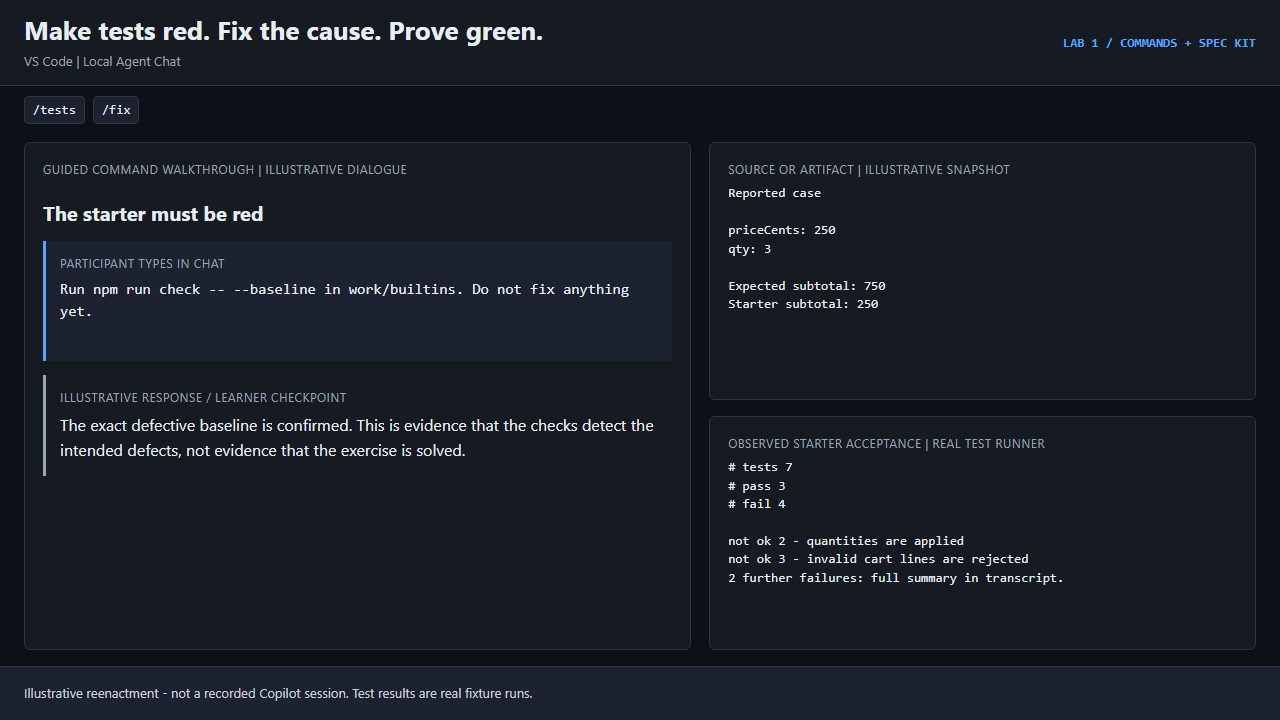
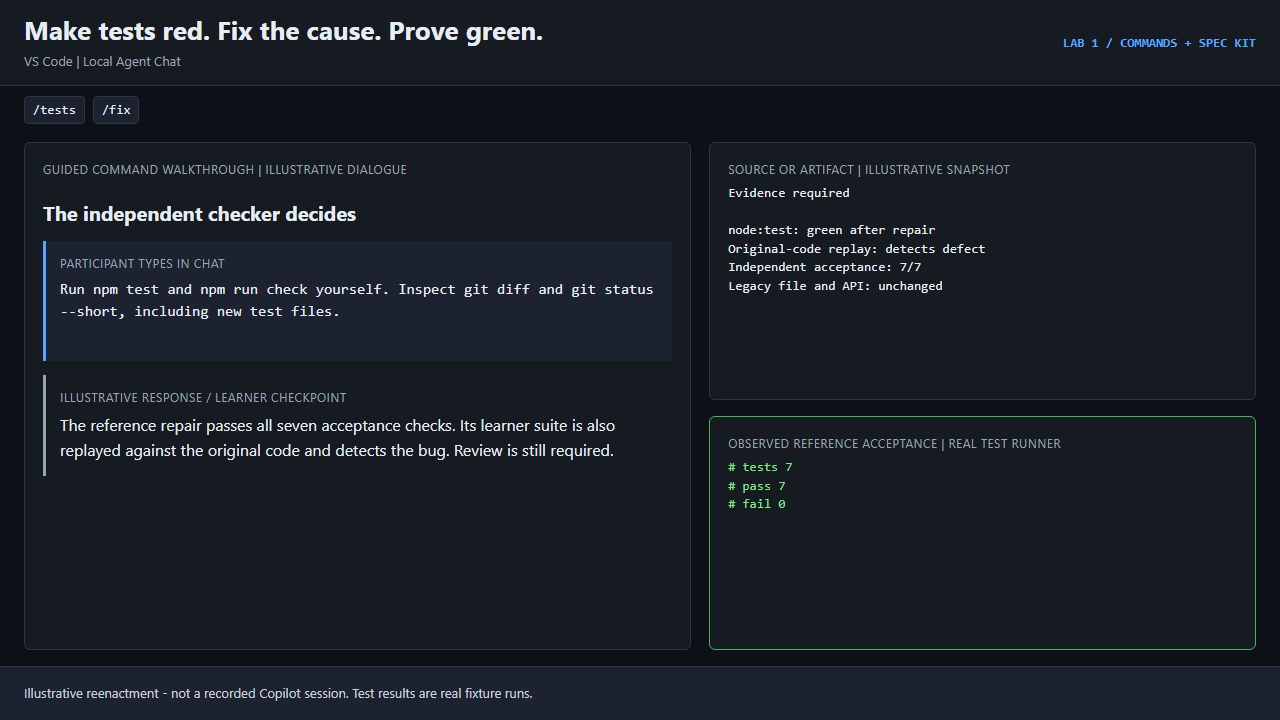
Use the built-in slash commands that keep an agent grounded in your code, then build a feature the spec-driven way with GitHub Spec Kit: constitution, specify, clarify, plan, tasks, implement, converge.
You invoke
/explain/plan/tests/fix/review/rubber-duck/compact/speckit.specify/speckit.plan/speckit.implement
-
Lab 2 · 60-75 minutes
anti-slop skills
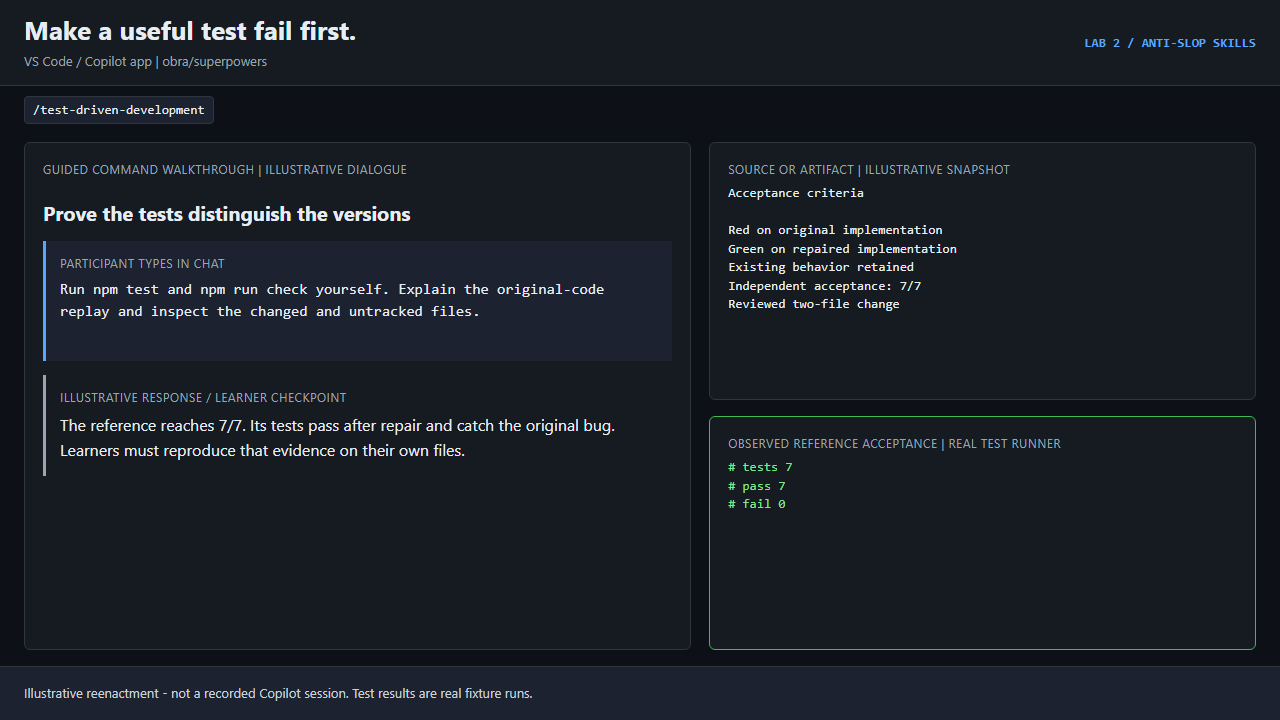
Find skills with your client's built-in skill tools, load ten pinned public skill folders, then practice grilling, evidence-led debugging, meaningful tests, verification and polish.
You invoke
/skills/af/skills reload/grill-me/systematic-debugging/test-driven-development/verification-before-completion
Set up your lab
Install the prerequisites
Node.js 22.20+ and Git, plus VS Code signed in to GitHub Copilot or the GitHub Copilot app. Lab 1's Spec Kit part also needs uv.
Get the lab
The ZIP holds the broken starters, the independent checks and ten pinned public skill folders. Extract it and open a terminal in the
anti-slop-labfolder.Download the lab (ZIP) Public skills only (ZIP) GitHub repository
Or clone it:
git clone https://github.com/AkashAi7/anti-ai-slop.git
cd anti-ai-slop/lab
Check your machine and create a workspace
Each track gets a fresh Git repository under
work/with the broken starter and a baseline commit.npm.cmd run doctor -- builtins npm.cmd run setup -- builtinsTracks:
builtins,spec-kit,spec-kit-skills(Lab 1) andskills(Lab 2). On macOS or Linux, usenpm.Open the workspace in your client
Client Open the workspace Then VS Code code -n ./work/builtins, or File > Open FolderStart a Local chat session and type /GitHub Copilot app Add the work/builtinsfolder as a local repositoryStart an Interactive session and type /
Full setup guide: every track, the baseline check and troubleshooting
Load the anti-slop skills
Lab 2: anti-slop skills bundles 10 public skill folders from five pinned repositories (29 SHA-256-checked files). Sources: obra/superpowers @ 2ce8aa1 (MIT); mattpocock/skills @ 4ae2317 (MIT); addyosmani/agent-skills @ 8bfcc1f (MIT); blader/humanizer @ 0ef9fe5 (MIT); anthropics/skills @ ca45fc4 (Apache-2.0). They are public skills, not Copilot built-ins.
| Skill | Slop it prevents |
|---|---|
/grill-me | Turn a vague request into confirmed decisions before any code is written. |
/systematic-debugging | Replace speculative fixes with a reproduced root cause. |
/test-driven-development | Make a regression fail for the right reason before repairing code. |
/verification-before-completion | Replace a confident completion claim with fresh terminal evidence. |
/receiving-code-review | Verify each review comment against the code and brief instead of agreeing with all of them. |
/code-simplification | Remove unnecessary complexity from working code without changing behavior. |
/humanizer | Strip AI writing tells from the prose that ships with your change. |
/source-driven-development | Ground framework-specific code in cited official documentation, not memory. |
/frontend-design | Avoid templated, generic-looking UI by committing to a deliberate design direction. |
/grilling | Provides the structured interview used by /grill-me. |
Bundled with the lab (fastest)
Copies the pinned skill folders into
work/skills/.github/skillsand checks all 29 files against SHA-256 hashes. No network needed.npm.cmd run setup -- skills npm.cmd run skillsYour own project
Download the public skills ZIP and copy its
.githubfolder into your repository root. Or fetch the latest upstream with the skills CLI, then review what it installed:npx skills add mattpocock/skills --skill grill-me --skill grilling -a github-copilotConfirm the client loaded them
VS Code:
/skillsopens Configure Skills. GitHub Copilot app:/skills reload, then/skills. Every skill must point at the workspace copy.
Running it as a workshop
- Facilitator run sheetTimings for both labs, stop conditions and a learner completion card.
- All 12 walkthrough GIFs (ZIP)GIFs, before and after posters, and transcripts for slides or offline demos.
- Verification and limitationsWhat the automated checks prove, and what they do not.