Goal: use skills to stop the most common kinds of AI slop across a whole
change: requirements the agent guessed, fixes that are guesses, tests that prove
nothing, "done" with no evidence, review comments applied blindly, bloated code
and AI-sounding prose. First you discover skills with your client's built-in
skill tools. Then you load ten popular public skills from five
repositories and use them on a real bug, from plan to handoff.
| Part |
Time |
You invoke |
| A. Discover skills with built-in tools |
10 min |
/skills (VS Code and app), /af and /skills reload (app) |
| B. Load the public skills |
5 min |
npm run setup -- skills, npm run skills |
| C. Grill the plan before any code |
10 min |
/grill-me |
| D. Debug, test first, verify |
25-35 min |
/systematic-debugging, /test-driven-development, /verification-before-completion |
| E. Polish before handoff |
15 min |
/receiving-code-review, /code-simplification, /humanizer |
| F. Take the skills to your own project |
optional |
/source-driven-development, /frontend-design, and the rest |
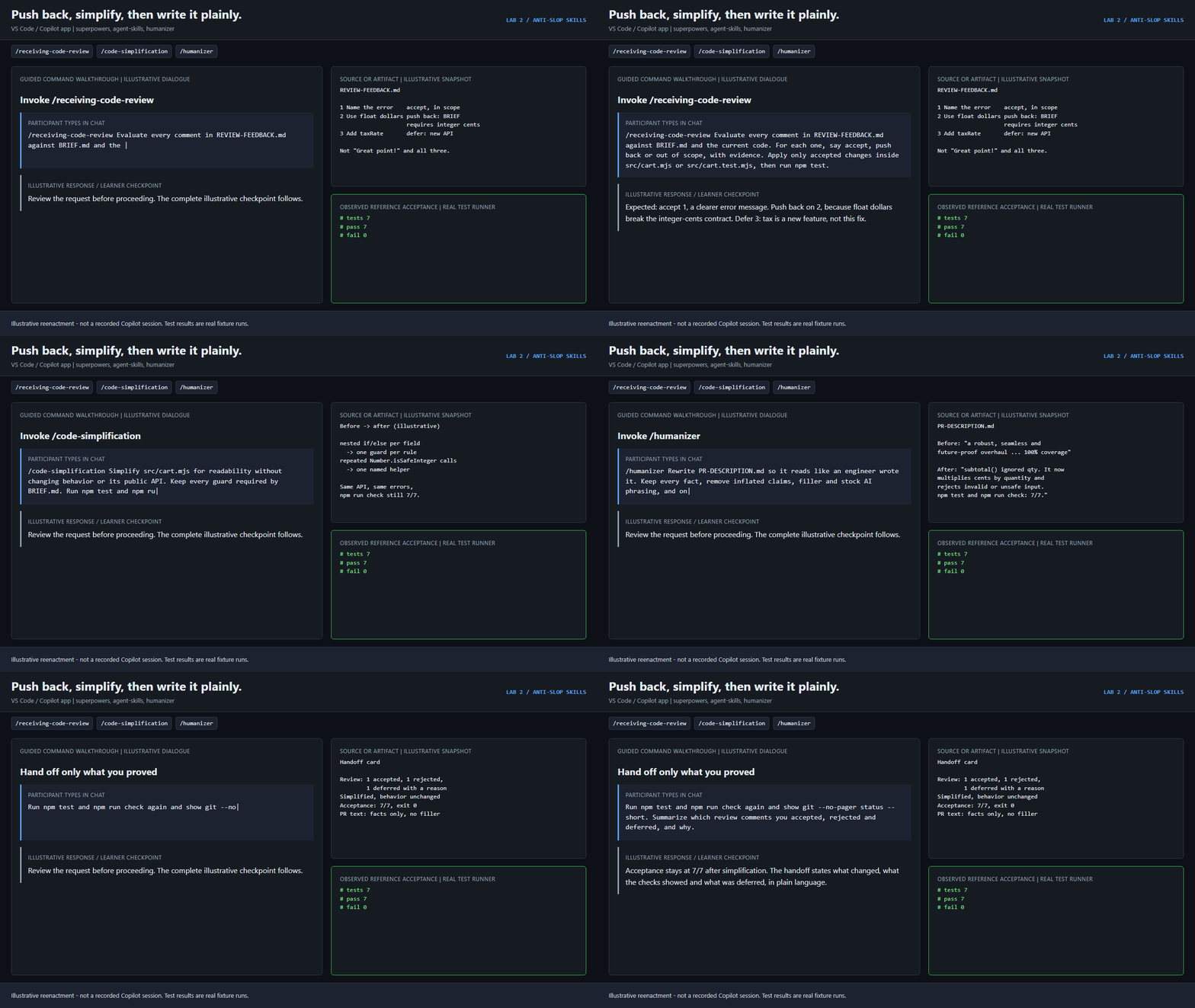
Set up first: follow the environment guide. Watch the six Lab 2
GIFs on the workshop site.
The skill pack
Every skill below is an unmodified upstream folder, pinned to a commit and
checked by SHA-256. They are public skills, not Copilot built-ins.
| Skill |
Source |
Slop it prevents |
What you should see |
Part |
/grill-me |
mattpocock/skills |
The agent guesses your requirements and builds the wrong thing |
Numbered questions with a recommended answer each; no edits until you confirm |
C |
/systematic-debugging |
obra/superpowers |
A fix that is a guess |
Reproduction, file:line evidence, one testable cause, no edits yet |
D |
/test-driven-development |
obra/superpowers |
Tests that pass on broken code |
A meaningful assertion failure before the repair, a pass after |
D |
/verification-before-completion |
obra/superpowers |
"All done!" with no proof |
Fresh command output, real exit codes, a reviewed diff |
D |
/receiving-code-review |
obra/superpowers |
"Great point!", then every review comment applied without checking |
Each comment accepted, pushed back on or deferred, with evidence |
E |
/code-simplification |
addyosmani/agent-skills |
Over-engineered, deeply nested, verbose code |
Smaller, clearer code with identical behavior and green checks |
E |
/humanizer |
blader/humanizer |
AI-sounding PR descriptions, docs and comments |
Plain text that keeps every fact and drops filler and inflated claims |
E |
/source-driven-development |
addyosmani/agent-skills |
APIs and patterns invented from stale training data |
Decisions cited to official docs for your exact versions |
F |
/frontend-design |
anthropics/skills |
Generic, templated "AI look" UI |
A deliberate design direction drawn from the real content |
F |
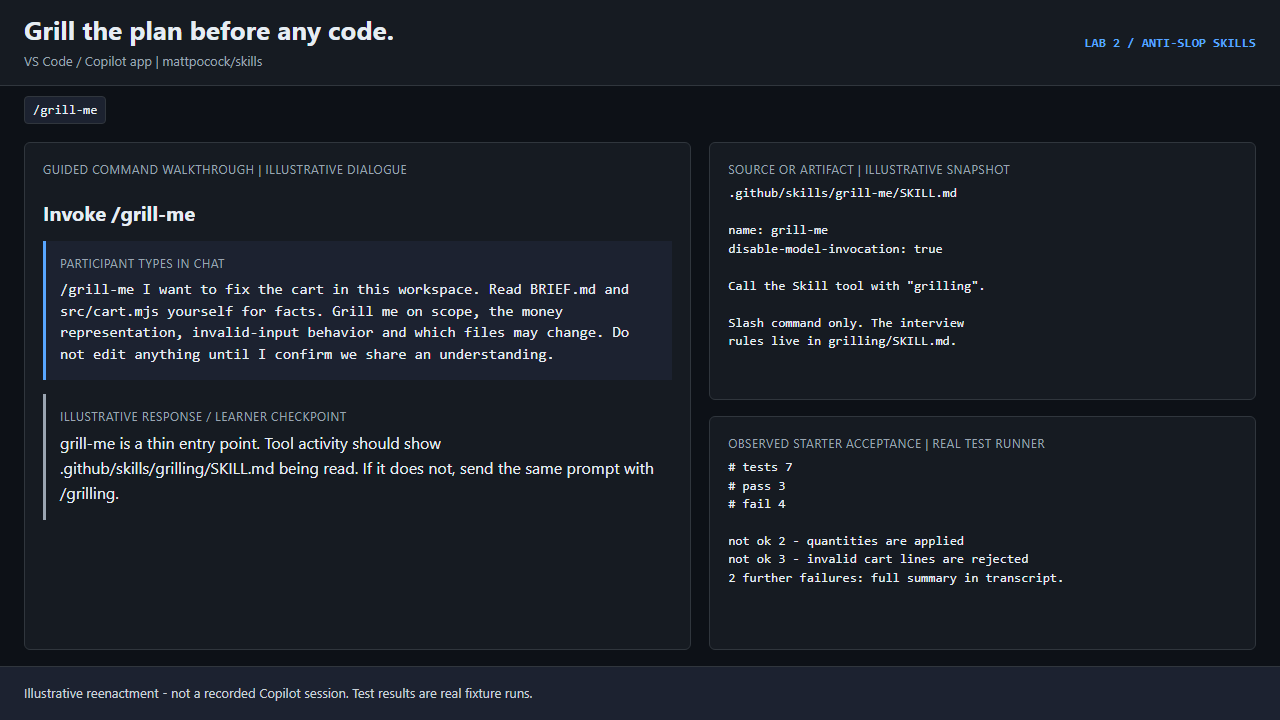
grilling ships next to grill-me. /grill-me is a slash-command-only entry
point whose whole body is "Call the Skill tool with "grilling""; the interview
rules live in grilling/SKILL.md. Keep both folders together.
Popular is not the same as correct. Read each SKILL.md and check the results.
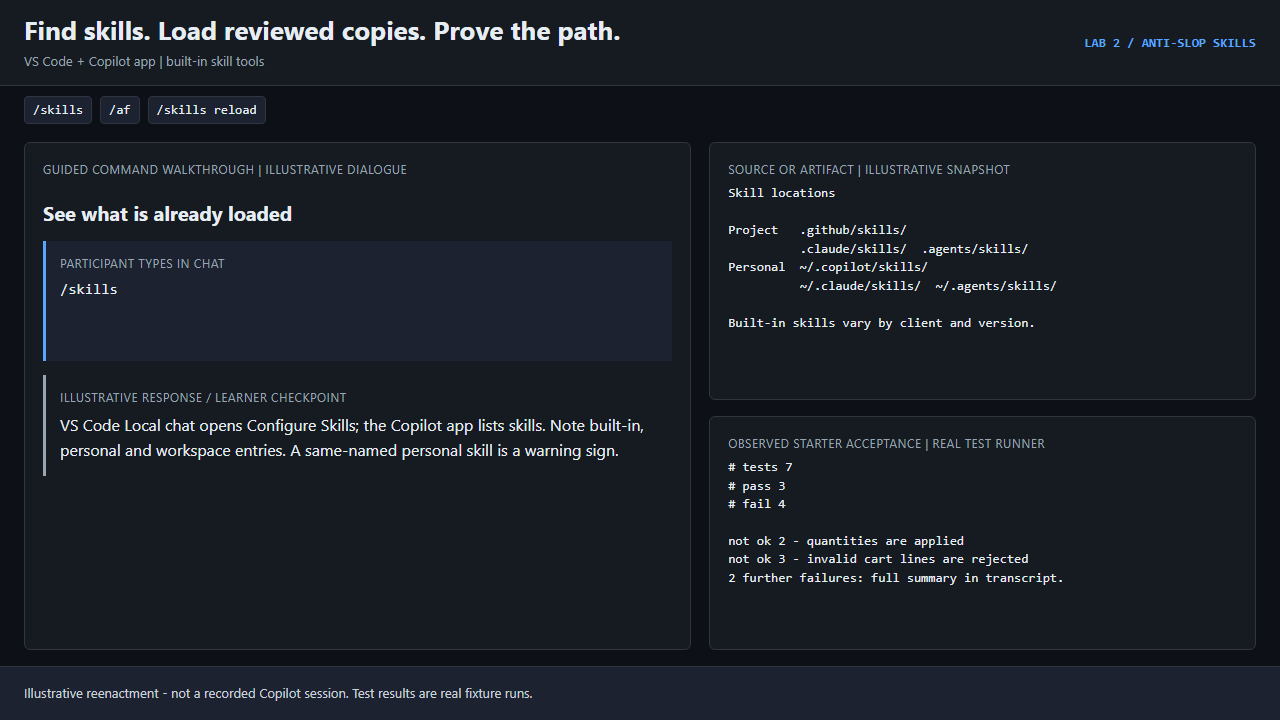
A skill is a folder with a SKILL.md file. Clients find skills in these places:
| Scope |
Locations |
| This project |
.github/skills/, .claude/skills/, .agents/skills/ |
| You, in every project |
~/.copilot/skills/, ~/.claude/skills/, ~/.agents/skills/ |
Your client may also ship built-in skills. Use its own tools to see what is
actually loaded. Do not rely on memory or a list from someone else.
VS Code
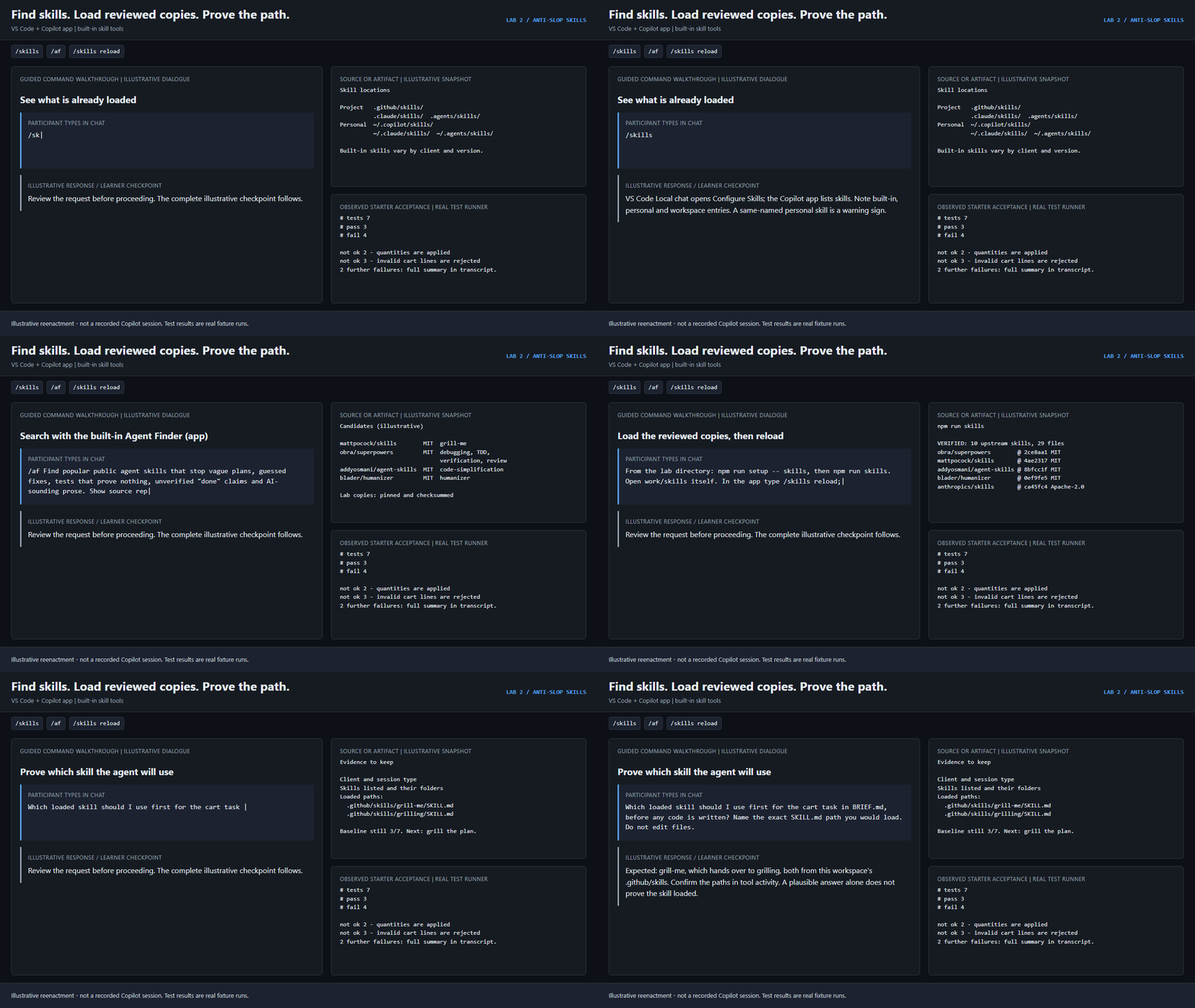
- Open any workspace, start a Local chat and type
/skills. This opens
the Configure Skills menu. Note the built-in, personal and workspace
entries.
- Type
/ on its own to see which skills appear in the slash picker.
GitHub Copilot app
In an Interactive session, type /skills to list and manage skills.
Use the built-in Agent Finder skill to search for anti-slop skills. Ask
it to compare candidates. Do not install anything yet.
/af Find popular public agent skills that stop vague plans, guessed fixes, tests that prove nothing, unverified "done" claims and AI-sounding prose. Show source repository, license and install method for each. Do not install anything.
After you add skill files during a session, run /skills reload.
Checkpoint: you can name every skill your client has loaded and say where
each one came from. A duplicate name in a personal folder is a warning sign.
Part B: load the public skills
Option 1: bundled, pinned copies (use this for the lab)
From the lab directory:
npm.cmd run setup -- skills
npm.cmd run skills
code -n .\work\skills
Setup copies all ten complete upstream skill folders, their licenses and a
manifest into work\skills\.github. npm run skills checks all 29 files
against SHA-256 hashes pinned to these upstream commits:
| Repository |
Commit |
License |
Skills |
| obra/superpowers |
2ce8aa1 |
MIT |
systematic-debugging, test-driven-development, verification-before-completion, receiving-code-review |
| mattpocock/skills |
4ae2317 |
MIT |
grill-me, grilling |
| addyosmani/agent-skills |
8bfcc1f |
MIT |
code-simplification, source-driven-development |
| blader/humanizer |
0ef9fe5 |
MIT |
humanizer |
| anthropics/skills |
ca45fc4 |
Apache-2.0 |
frontend-design |
No network, hooks or global install is needed. Then confirm loading in your
client:
- VS Code: open
work\skills itself, start a fresh Local chat, and type
/skills. Every skill must point to this workspace's .github/skills.
- Copilot app: add
work\skills as a local repository, start an
Interactive session, and run /skills reload then /skills.
Finally, ask the agent to name the skill path it would use:
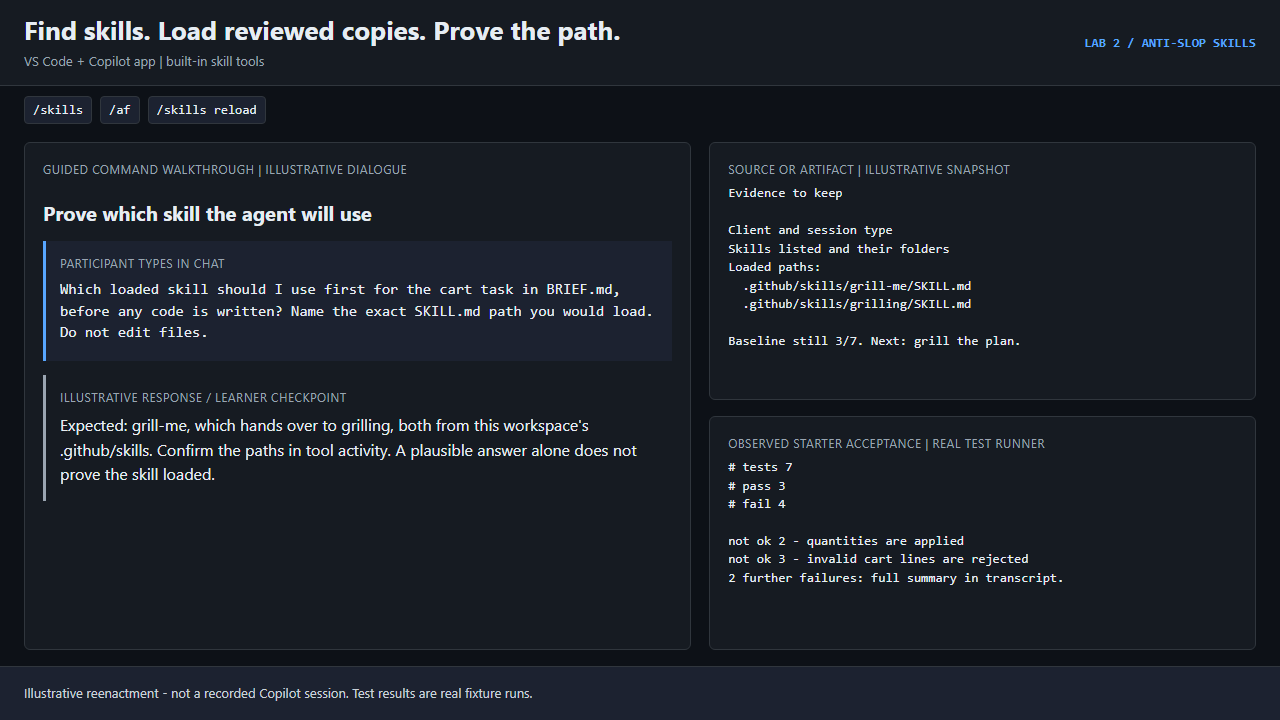
Which loaded skill should I use first for the cart task in BRIEF.md, before any code is written? Name the exact SKILL.md path you would load. Do not edit files.
Expect grill-me, then check tool activity for .github/skills/grilling/SKILL.md
in this workspace. A similar-sounding answer does not prove the skill loaded.
Option 2: add them to your own project
Skills-only ZIP: download anti-slop-public-skills.zip from the
workshop site. Copy the
whole skill folders (not just SKILL.md) into your project's
.github/skills/. Keep skill-licenses/ and skills-manifest.json with
them.
Skills CLI: fetches the latest upstream version, not the pinned copy, so
review what it installs.
npx skills add mattpocock/skills --skill grill-me --skill grilling -a github-copilot
npx skills add obra/superpowers --skill systematic-debugging --skill test-driven-development --skill verification-before-completion --skill receiving-code-review -a github-copilot
npx skills add addyosmani/agent-skills --skill code-simplification --skill source-driven-development -a github-copilot
npx skills add blader/humanizer -a github-copilot
npx skills add anthropics/skills --skill frontend-design -a github-copilot
It installs into .agents/skills/ in the project, or into
~/.copilot/skills/ with -g. Confirm the result with /skills.
Never overwrite an existing skill with the same name. Do not install these
again inside work\skills, which already has them, because duplicate names
make it unclear which copy ran.
Part C: grill the plan before any code
Scenario: the same cart bug as Lab 1 Part A (quantity is ignored), in a
fresh workspace. This time you start by making the agent interview you.
From the work\skills terminal:
npm.cmd run check -- --baseline
Expect 3/7 pass, 4 intended failures, BASELINE CONFIRMED, not solved.
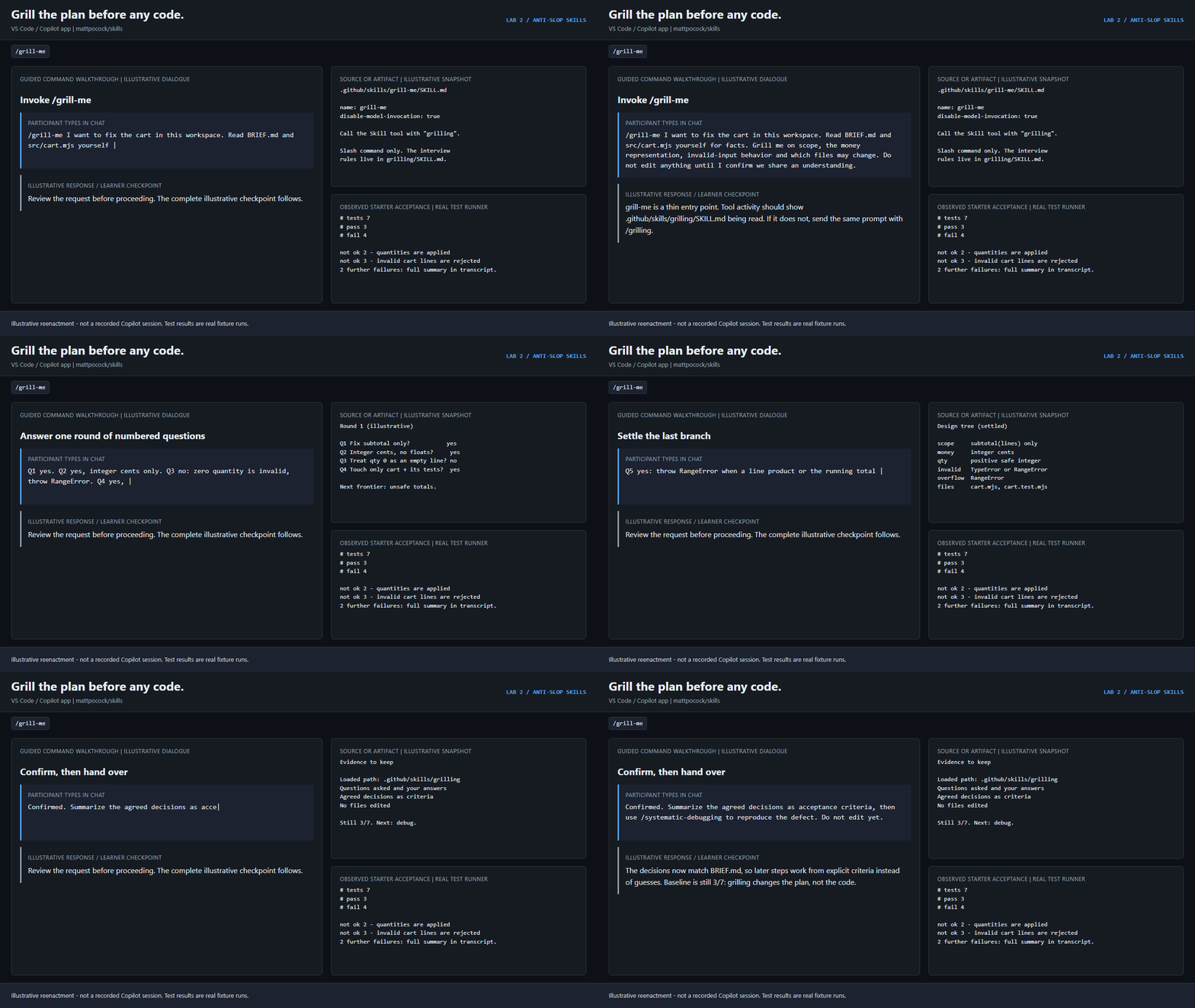
/grill-me I want to fix the cart in this workspace. Read BRIEF.md and src/cart.mjs yourself for facts. Grill me on scope, the money representation, invalid-input behavior and which files may change. Do not edit anything until I confirm we share an understanding.
What good looks like:
- Questions arrive in numbered rounds, each with a recommended answer, so
"yes" accepts it. Answer every one, for example
Q1 yes. Q2 yes, integer cents only. Q3 no: zero quantity is invalid.
- The agent looks facts up in
BRIEF.md and the code itself instead of asking
you what the reducer does.
- Later rounds depend on earlier answers. It stops when no branch is left open.
- No file changes until you write
Confirmed.
Tool activity should show .github/skills/grilling/SKILL.md being read. If
only grill-me loads and the agent does not interview you, send the same
prompt with /grilling instead.
Finish with:
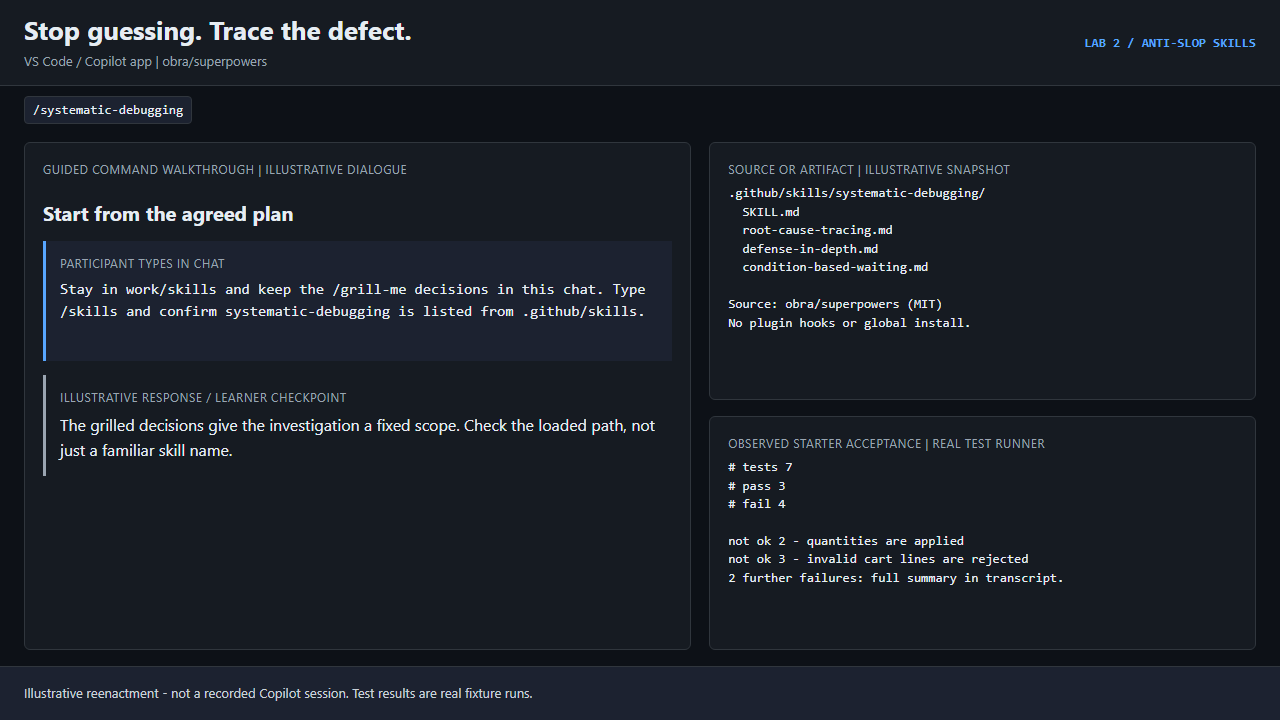
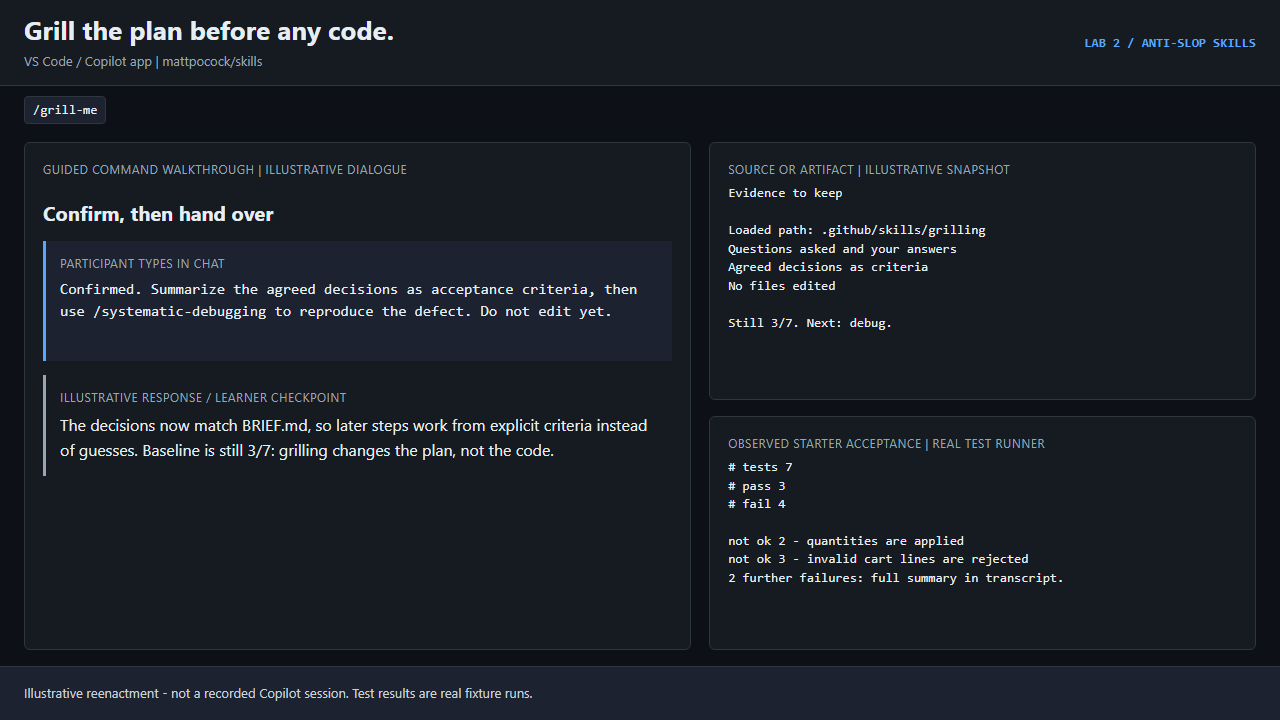
Confirmed. Summarize the agreed decisions as acceptance criteria, then use /systematic-debugging to reproduce the defect. Do not edit yet.
Part D: debug, test first, verify
1. Debug: investigate before editing
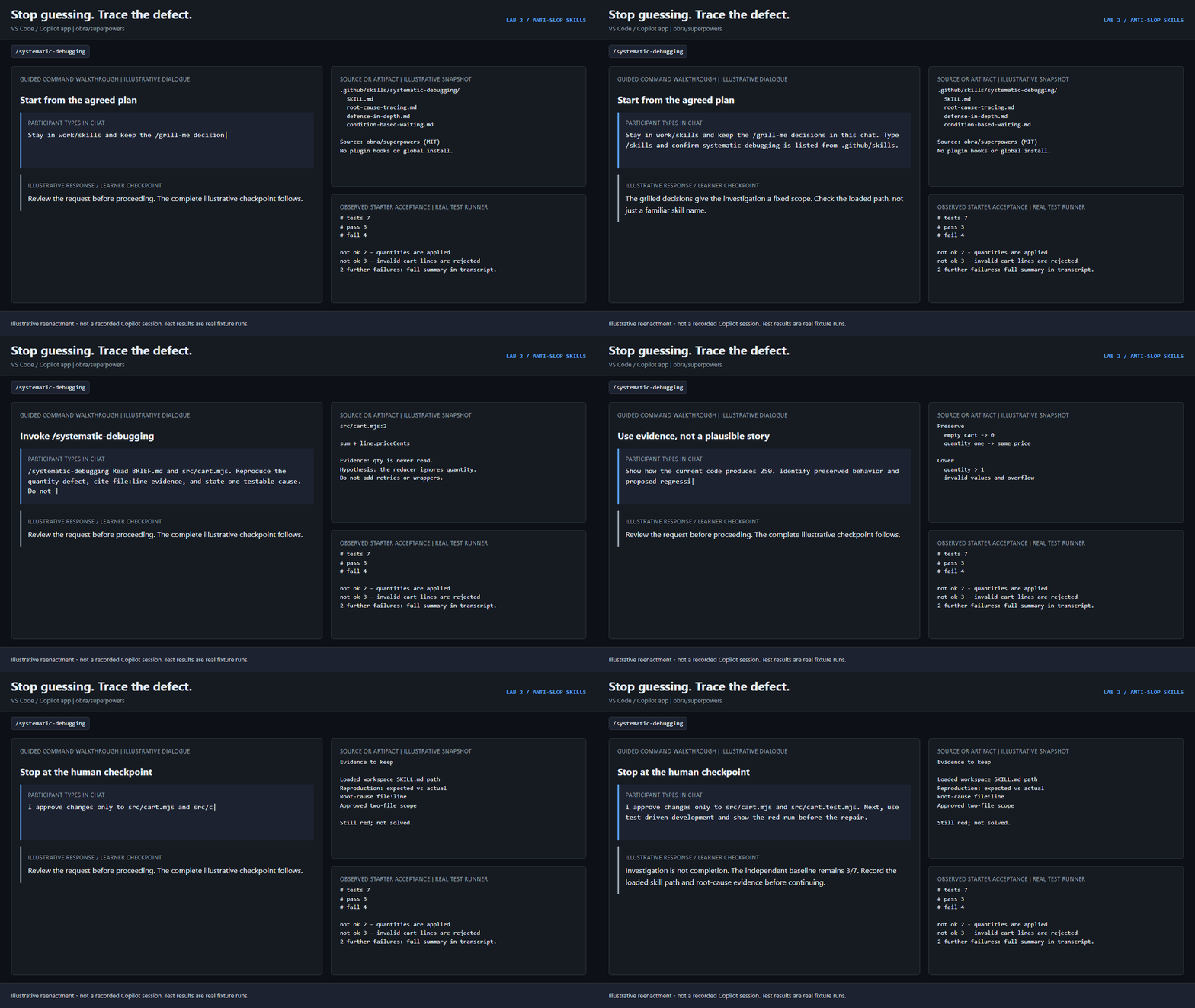
/systematic-debugging Read BRIEF.md and src/cart.mjs. Reproduce the quantity defect, cite file:line evidence, and state one testable cause. Do not edit yet. Keep investigation inside this disposable workspace.
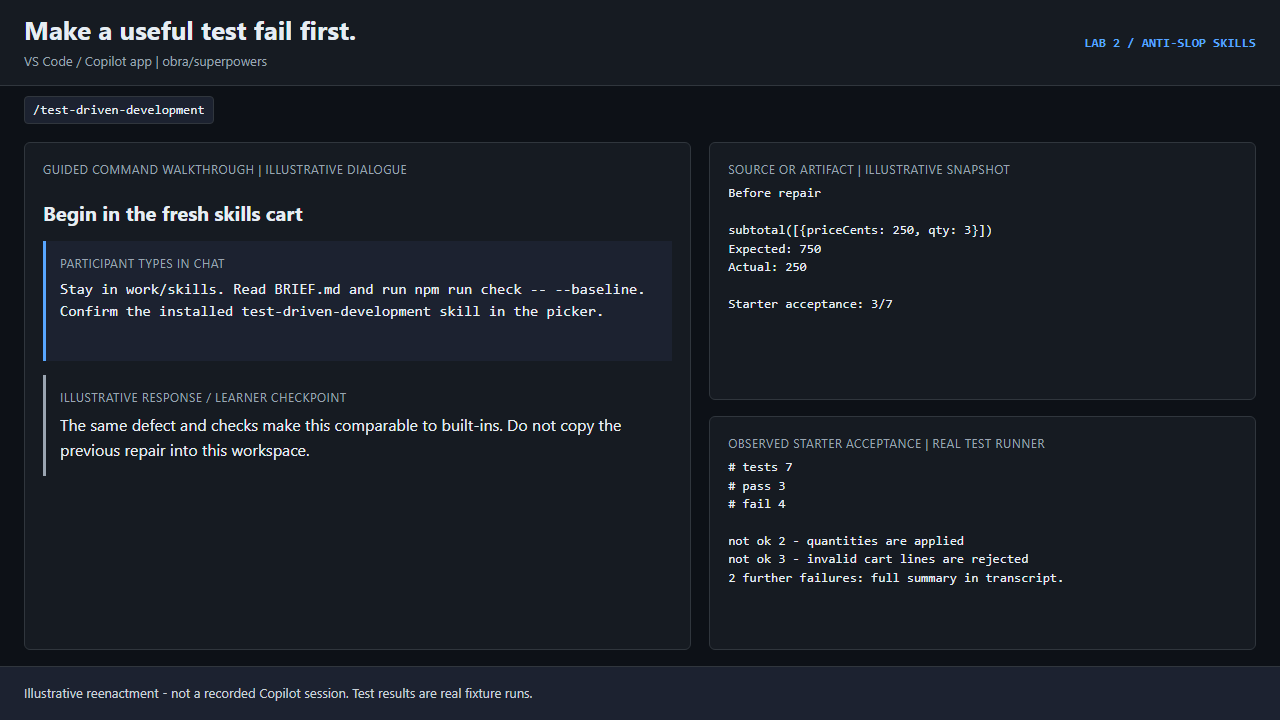
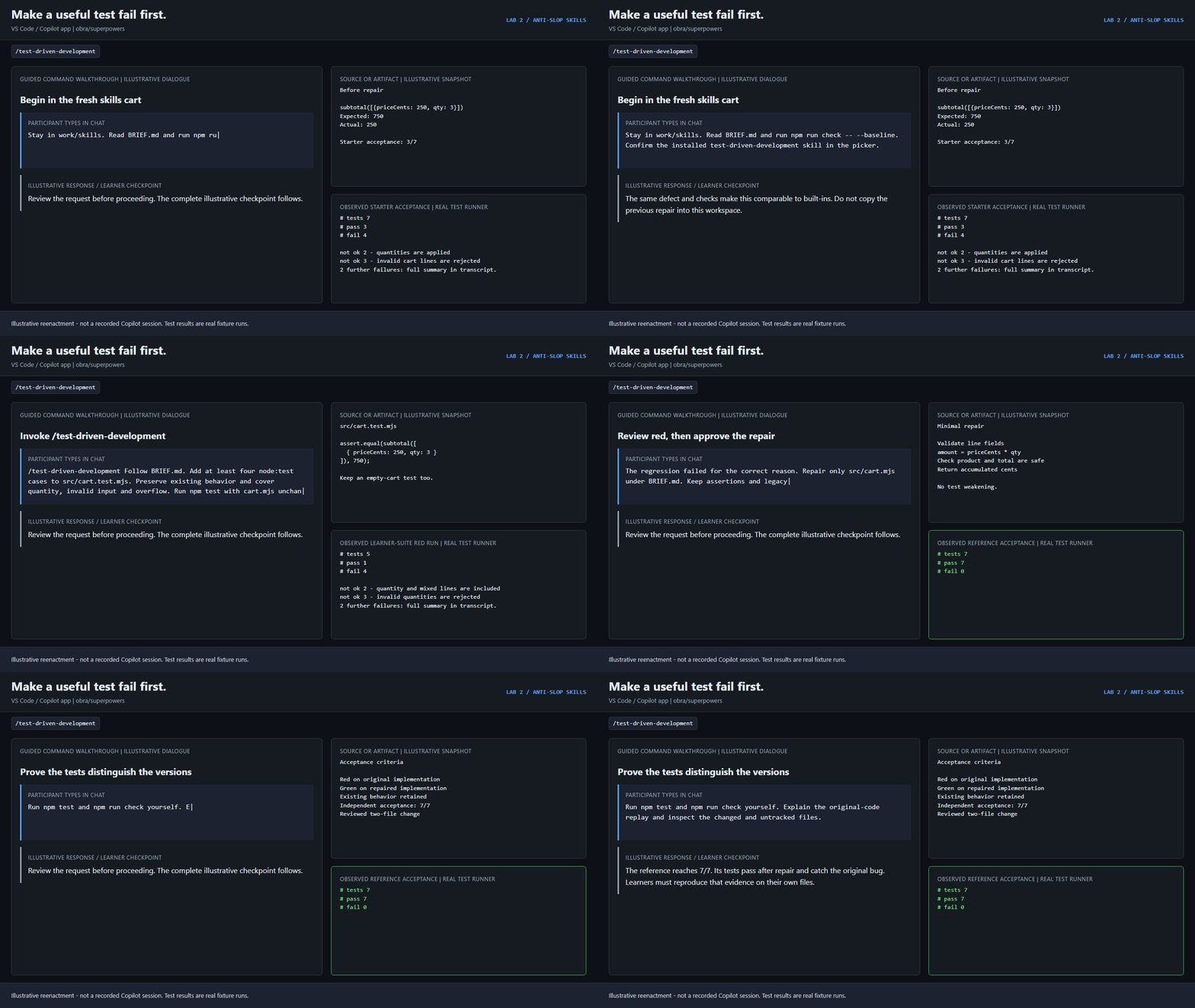
Check it: priceCents: 250, qty: 3 should give 750, but the starter returns
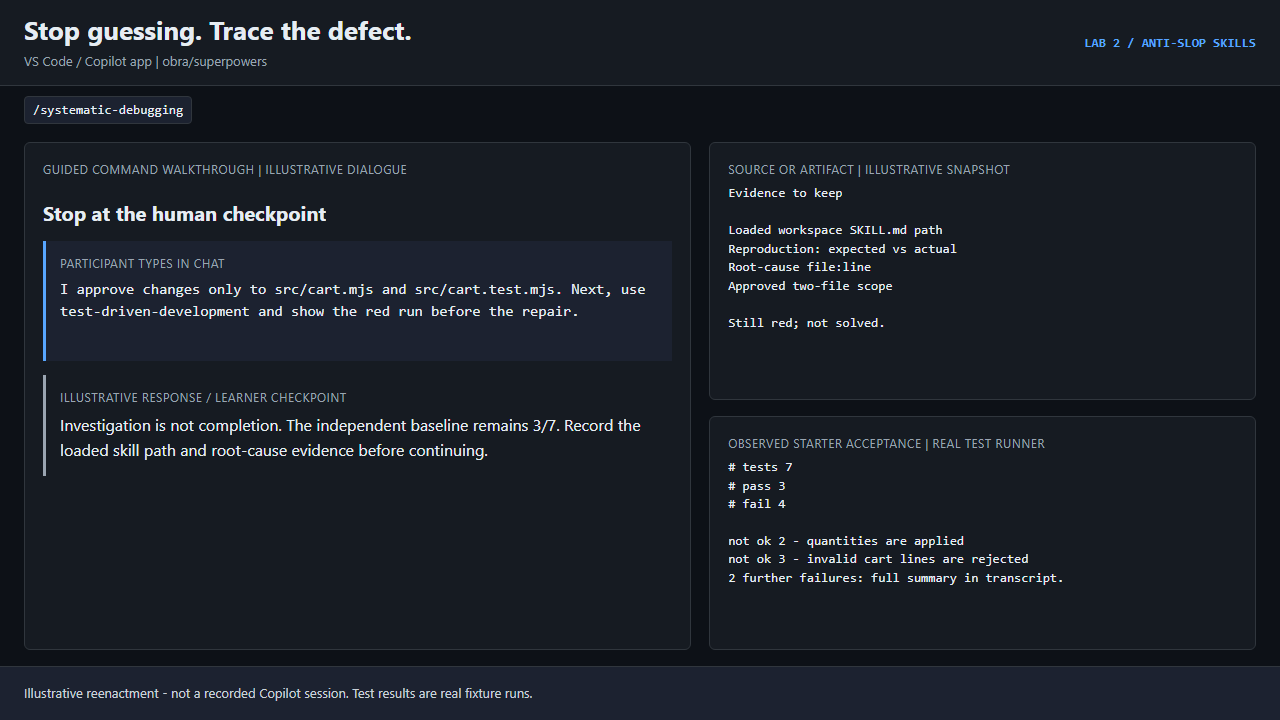
250. Confirm the cited line yourself. Then approve changes to
src/cart.mjs and src/cart.test.mjs only.
2. Test first: red before green
/test-driven-development Follow BRIEF.md. Add at least four node:test cases to src/cart.test.mjs. Preserve existing behavior and cover quantity, invalid input and overflow. Run npm test with cart.mjs unchanged; stop for review of the red output. Do not delete existing starter or learner work.
Reject tests that are all green on the broken starter, syntax or import errors
posing as "red", and assertions that copy the buggy behavior. After you see a
meaningful failure:
I approve the minimal cart repair under BRIEF.md. Change only src/cart.mjs; keep the test assertions and legacy pricing unchanged. Run the complete learner test suite after the repair.
3. Verify: fresh evidence, honest limits
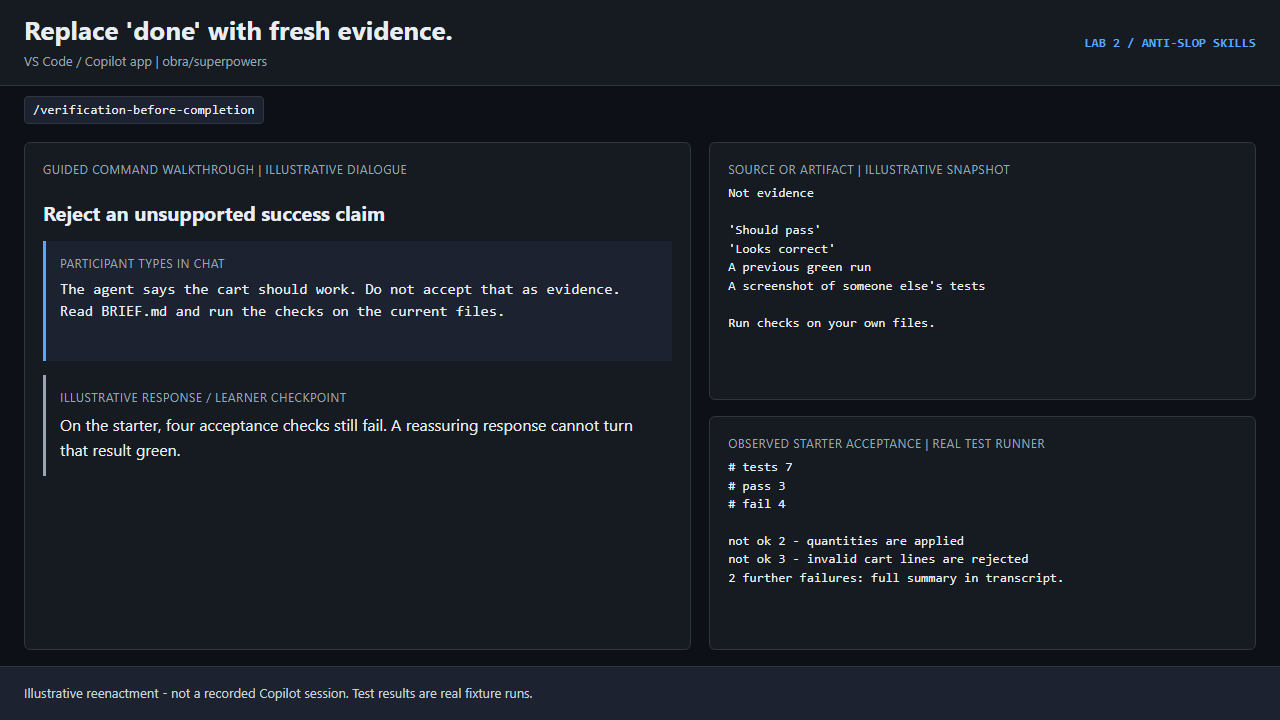
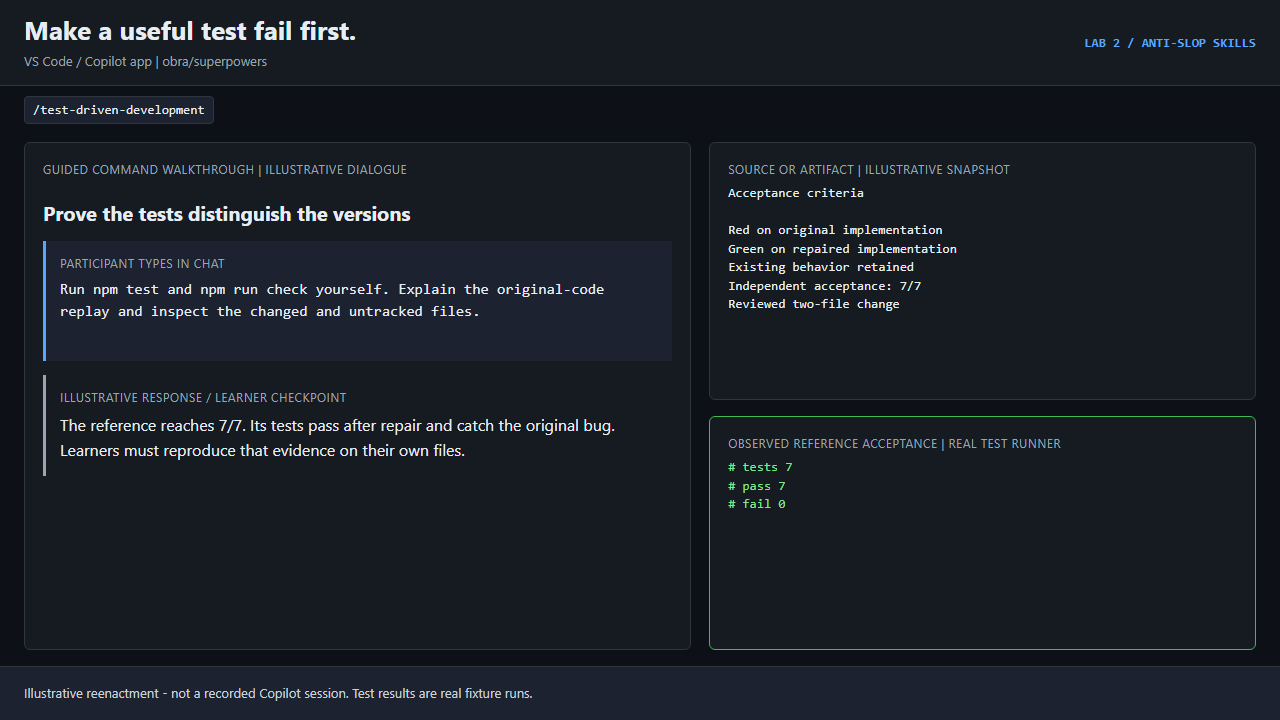
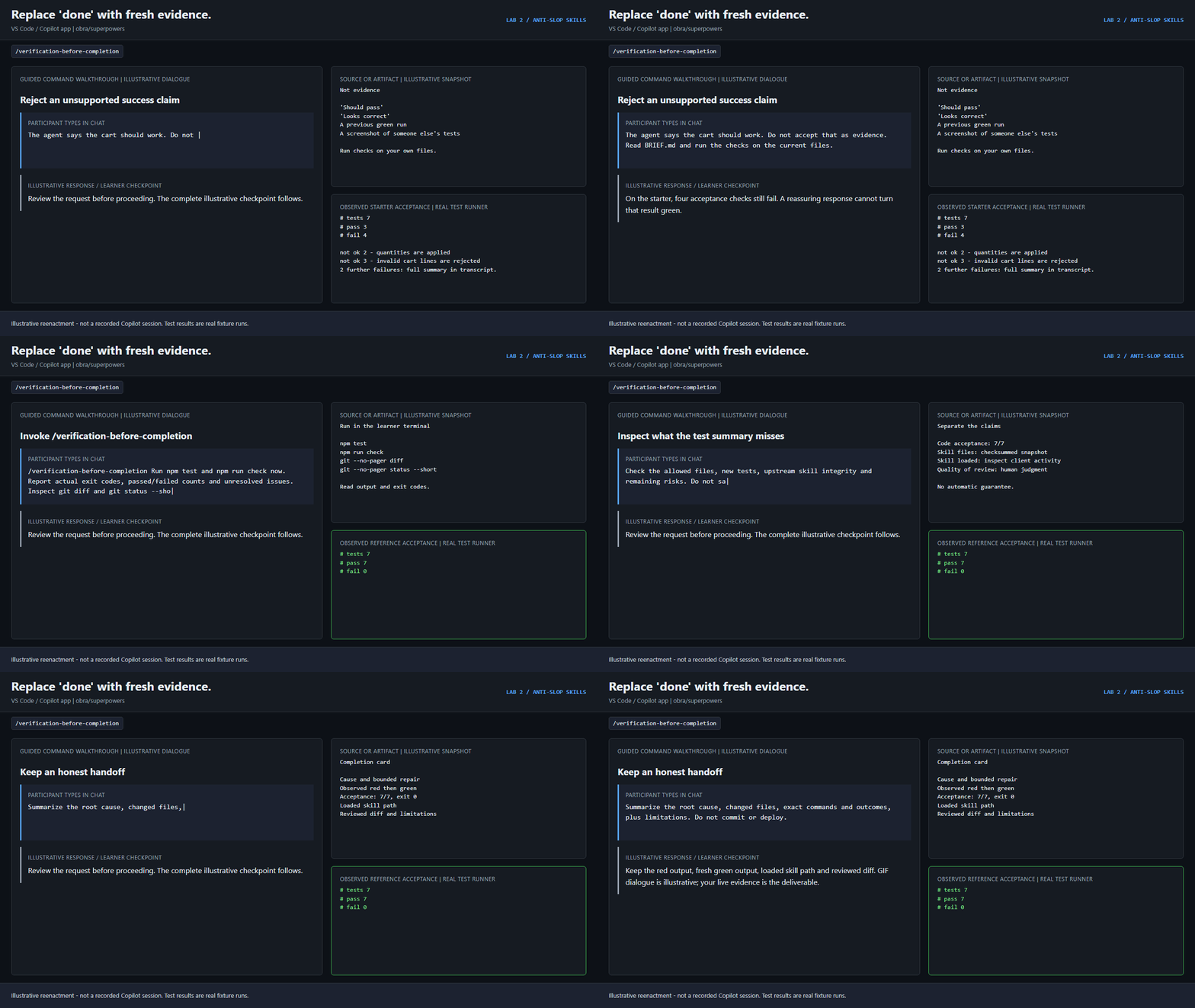
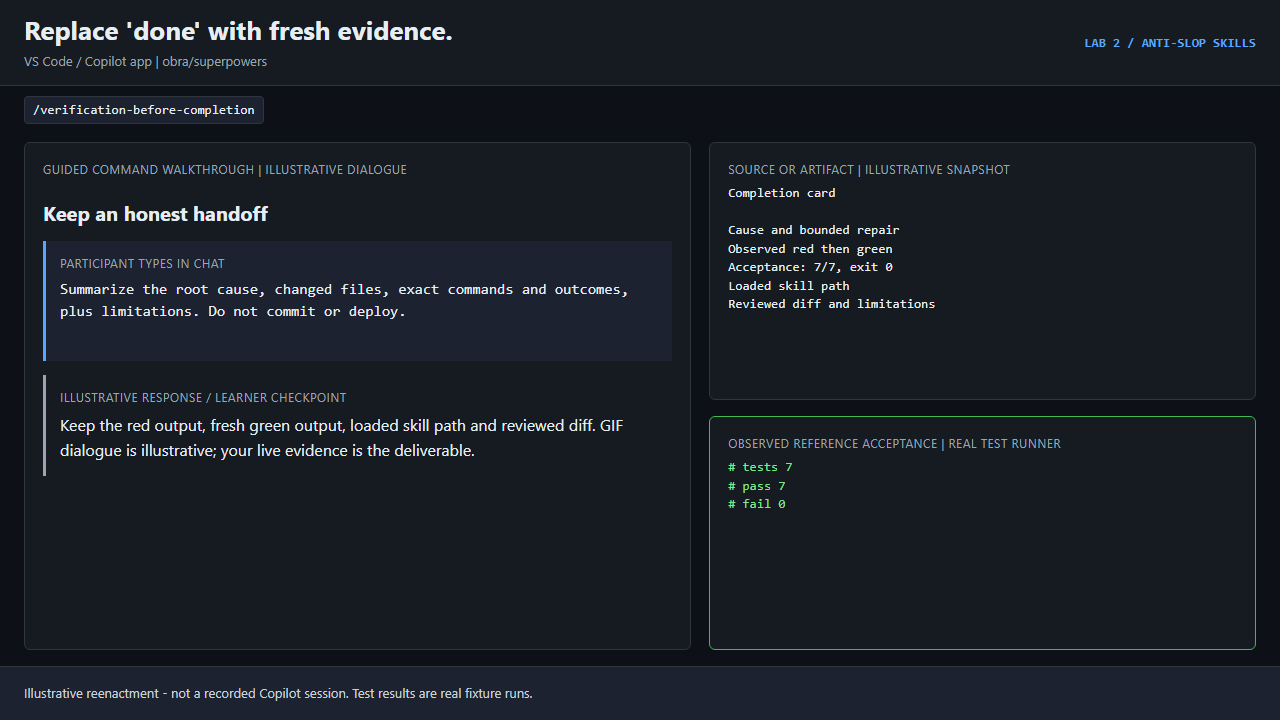
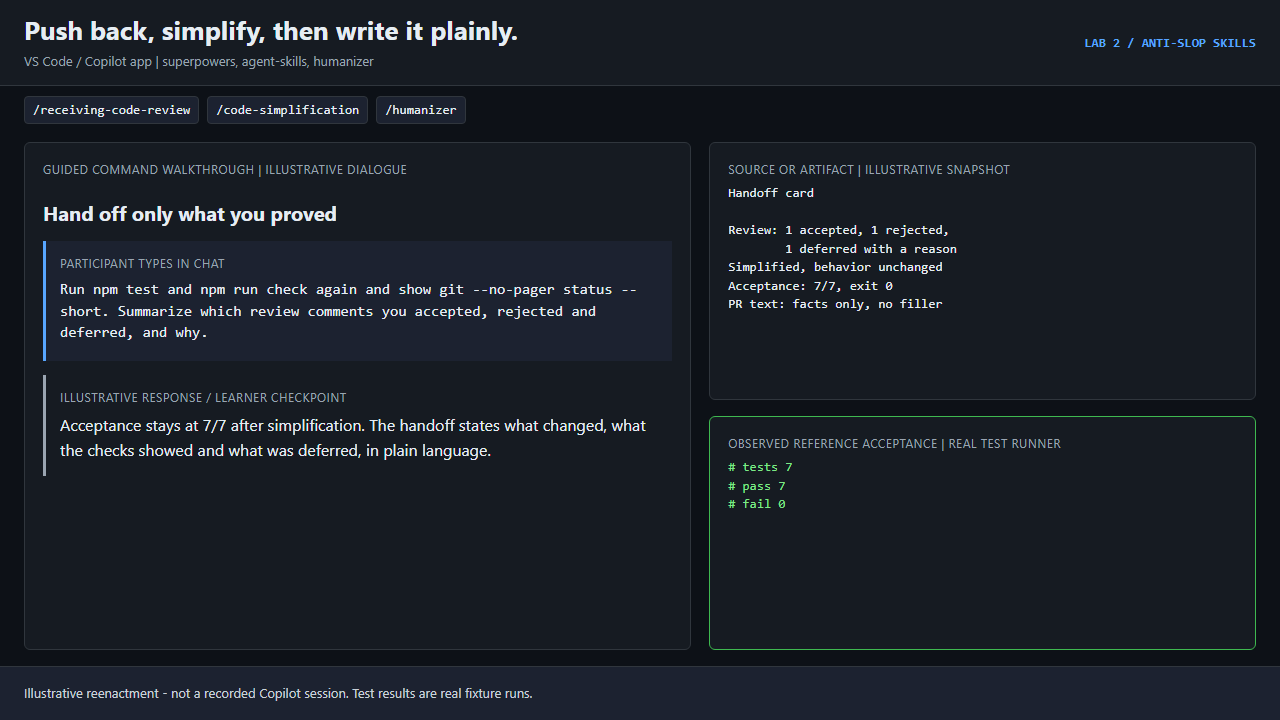
/verification-before-completion Run npm test and npm run check now. Report actual exit codes, passed/failed counts and unresolved issues. Inspect git diff and git status --short, including untracked tests. Do not commit or change acceptance tooling.
Then run them yourself:
npm.cmd test
npm.cmd run check
git --no-pager diff
git --no-pager status --short
You need VERIFIED: 7/7, exit 0. The checker also replays your tests
against the original code: a suite that passes on both fails. The skill files
must stay unchanged.
Part E: polish before handoff
Slop often returns at the end: every review comment gets applied, working code
gets "improved" until it breaks, and the PR description oversells it. The
workspace includes two practice files for this part.
1. Review feedback: verify, then decide
REVIEW-FEEDBACK.md has three comments. One is right, one contradicts the
contract in BRIEF.md, one is out of scope.
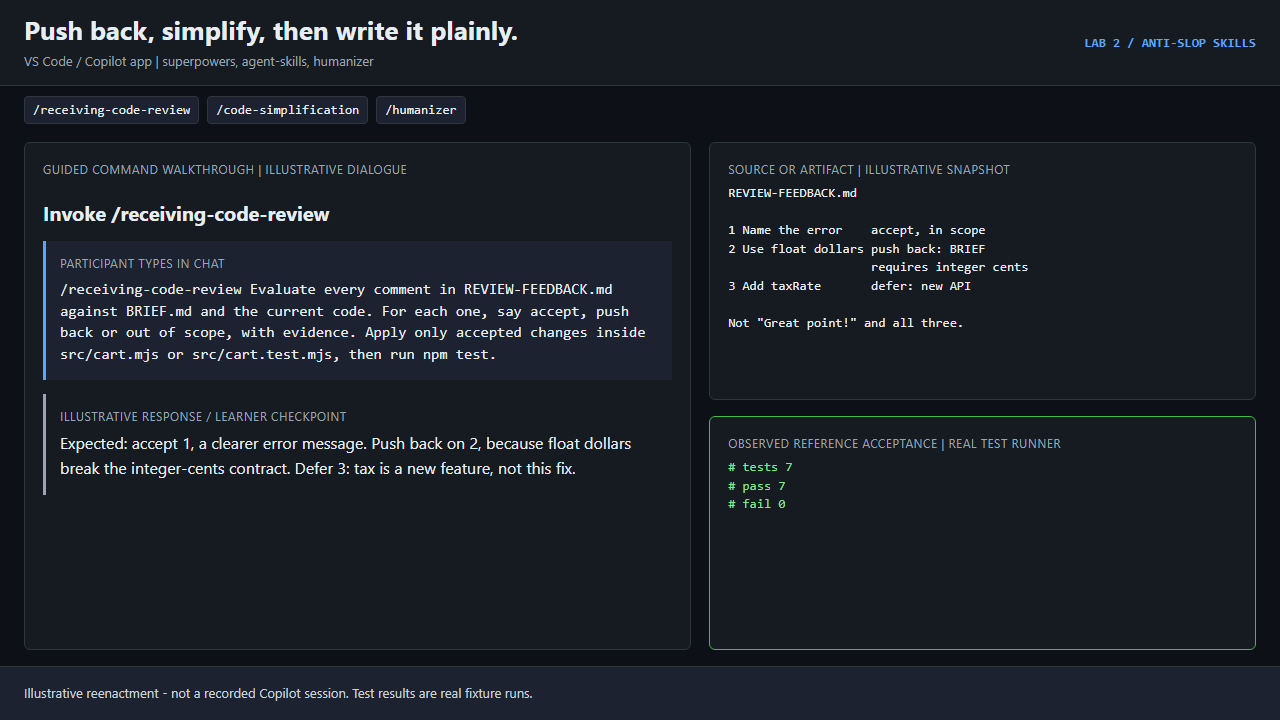
/receiving-code-review Evaluate every comment in REVIEW-FEEDBACK.md against BRIEF.md and the current code. For each one, say accept, push back or out of scope, with evidence. Apply only accepted changes inside src/cart.mjs or src/cart.test.mjs, then run npm test.
Expect: accept the clearer error message, push back on float dollars (the
contract requires integer cents), defer the tax parameter (a new feature).
Reject "Great point!" followed by all three changes.
2. Simplify without changing behavior
/code-simplification Simplify src/cart.mjs for readability without changing behavior or its public API. Keep every guard required by BRIEF.md. Run npm test and npm run check before and after, and revert any change that turns a check red.
Fewer lines is not the goal. Each change should make the code easier to read,
and npm run check must still show 7/7.
3. Write the PR description like an engineer
PR-DESCRIPTION.md is a typical AI-written description: emoji, "robust,
seamless and future-proof", and claims nobody measured.
/humanizer Rewrite PR-DESCRIPTION.md so it reads like an engineer wrote it. Keep every fact, remove inflated claims, filler and stock AI phrasing, and only claim results that npm test and npm run check actually showed.
Check that "100% coverage" and "production-ready" are gone unless a command you
ran showed them, and that the real result (7/7) is stated.
Run the final check once more:
npm.cmd run check
Editing REVIEW-FEEDBACK.md and PR-DESCRIPTION.md does not affect the check.
Changing anything under .github does.
Part F: take the skills to your own project
Install the pack with Part B Option 2, then try the two skills this lab does
not exercise on the cart:
/source-driven-development Before changing code that uses a framework or library in this project, find the official documentation for the exact version we use, cite it, and flag anything you could not verify.
/frontend-design Propose one deliberate visual direction for this page from its real content and audience. Name the palette, type and layout choices and why, then build it. Avoid default gradients, card grids and placeholder copy.
A workable order for any non-trivial change:
/grill-me until the plan has no open branches./source-driven-development when a framework or library is involved./systematic-debugging for bugs, /test-driven-development for every fix./verification-before-completion before you say "done"./receiving-code-review, /code-simplification and /humanizer before
you hand it to someone else.
Evidence to keep
Safety notes
- Skills are guidance, not a security boundary. Keep tool approvals on.
- Upstream text sometimes says
superpowers:<name>. That is plugin notation;
here, use the plain name the picker shows.
- Do not run upstream example scripts, delete existing work, or change
unrelated code to satisfy a skill.
- A GIF is not proof that a skill ran. Tool activity and your own test runs are.
Sources
Previous: Lab 1: /commands + Spec Kit.