Illustrative reenactment - not a recorded Copilot session. Test results are real fixture runs.
Client: GitHub Copilot app | local Interactive session. Track: builtins.
Commands: /review, /rubber-duck, /context, /compact.
The dialogue and artifact snapshots below are authored examples. Test summaries are verbatim excerpts from real fixture runs; stack traces and machine-local paths are omitted.
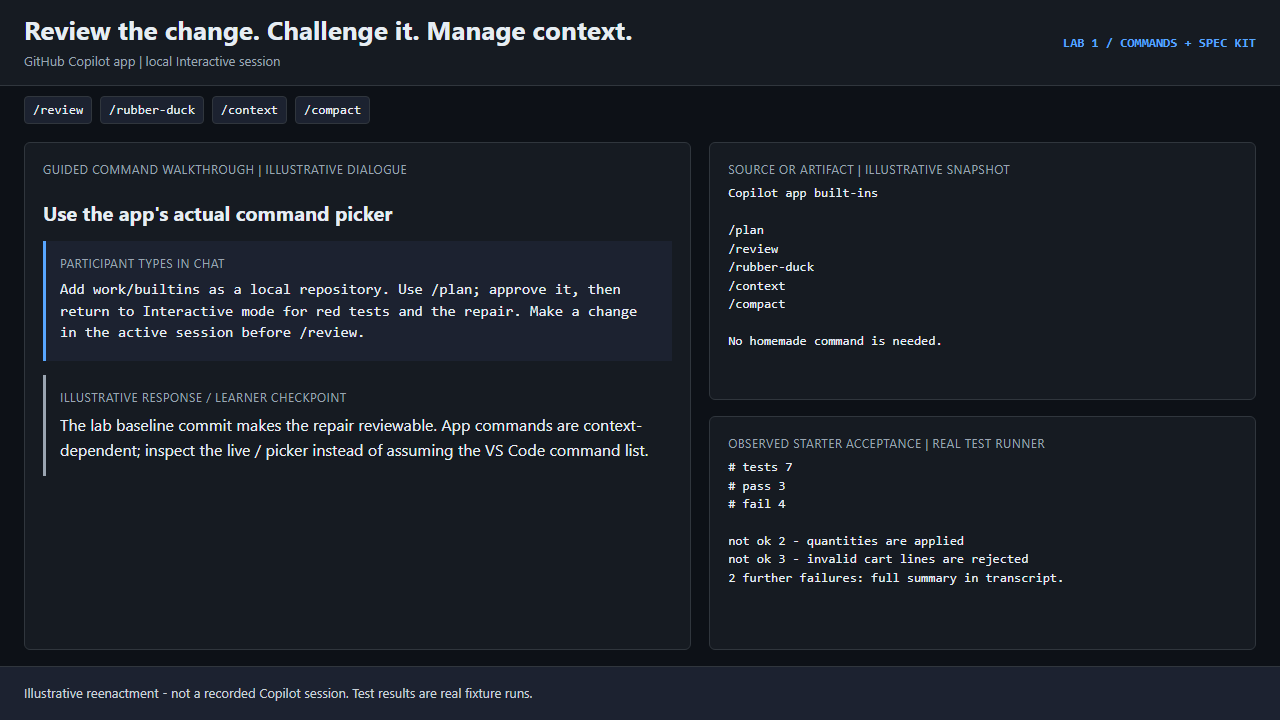
Step 1: Use the app's actual command picker
Participant:
Add work/builtins as a local repository. Use /plan; approve it, then return to Interactive mode for red tests and the repair. Make a change in the active session before /review.
Illustrative checkpoint:
The lab baseline commit makes the repair reviewable. App commands are context-dependent; inspect the live / picker instead of assuming the VS Code command list.
Source or artifact snapshot:
Copilot app built-ins

/plan
/review
/rubber-duck
/context
/compact

No homemade command is needed.
Observed test summary:
ok 1 - existing cart behavior is preserved
not ok 2 - quantities are applied
not ok 3 - invalid cart lines are rejected
not ok 4 - safe integer cents are enforced
ok 5 - inputs are left untouched
ok 6 - public API and scope are preserved
not ok 7 - learner regressions catch the original bug
# tests 7
# suites 0
# pass 3
# fail 4
# cancelled 0
# skipped 0
# todo 0
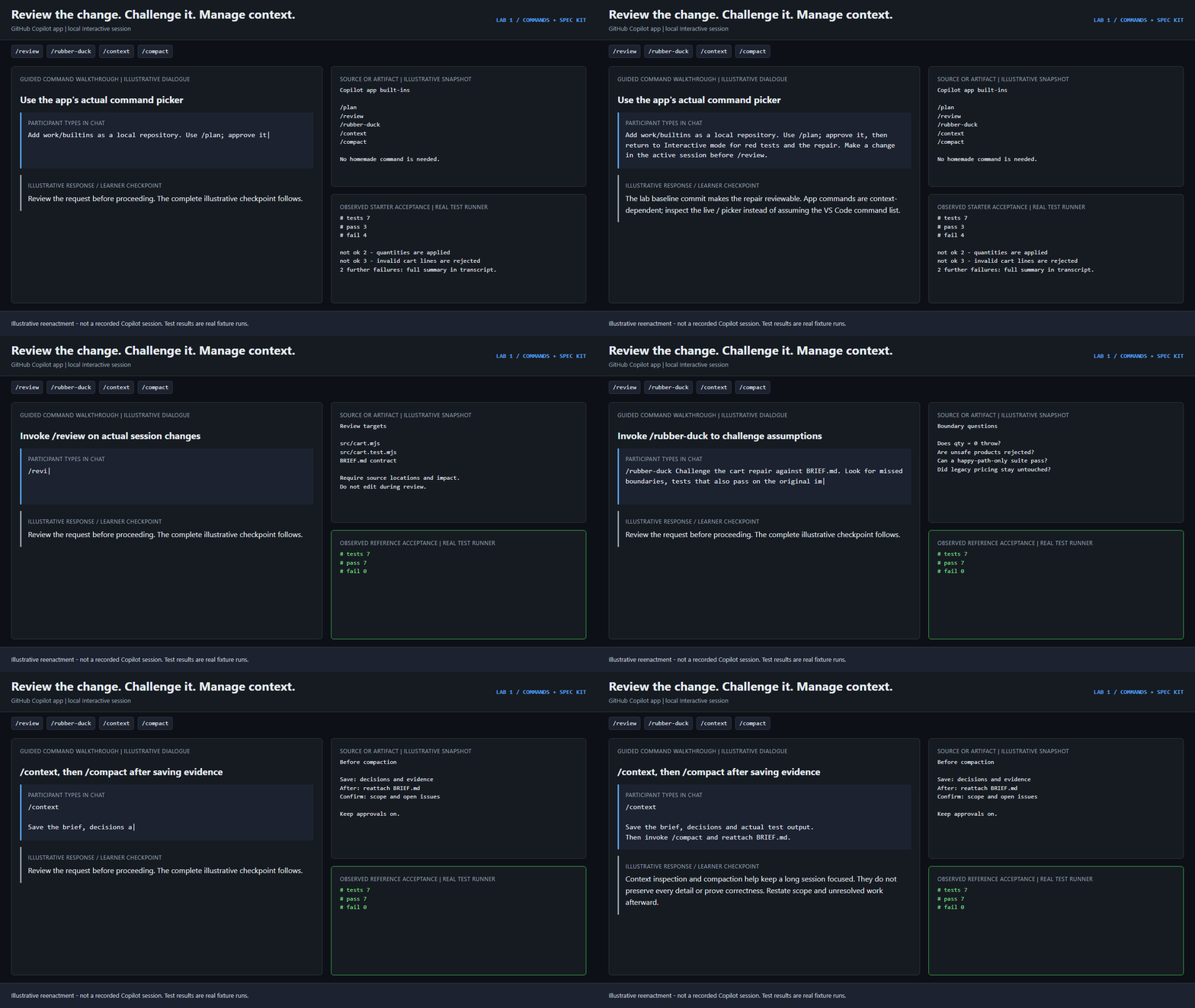
Step 2: Invoke /review on actual session changes
Participant:
/review
Illustrative checkpoint:
Inspect the quantity fix, input rejection, overflow boundaries, preserved API and untracked tests. Cite actionable findings; do not trust a success summary alone.
Source or artifact snapshot:
Review targets

src/cart.mjs
src/cart.test.mjs
BRIEF.md contract

Require source locations and impact.
Do not edit during review.
Observed test summary:
ok 1 - existing cart behavior is preserved
ok 2 - quantities are applied
ok 3 - invalid cart lines are rejected
ok 4 - safe integer cents are enforced
ok 5 - inputs are left untouched
ok 6 - public API and scope are preserved
ok 7 - learner regressions catch the original bug
# tests 7
# suites 0
# pass 7
# fail 0
# cancelled 0
# skipped 0
# todo 0
Step 3: Invoke /rubber-duck to challenge assumptions
Participant:
/rubber-duck Challenge the cart repair against BRIEF.md. Look for missed boundaries, tests that also pass on the original implementation, and out-of-scope changes. Do not edit.
Illustrative checkpoint:
Challenge zero quantity, fractional cents, unsafe sums, and whether the new tests fail on the original code. Critique is not a passing test run.
Source or artifact snapshot:
Boundary questions

Does qty = 0 throw?
Are unsafe products rejected?
Can a happy-path-only suite pass?
Did legacy pricing stay untouched?
Observed test summary:
ok 1 - existing cart behavior is preserved
ok 2 - quantities are applied
ok 3 - invalid cart lines are rejected
ok 4 - safe integer cents are enforced
ok 5 - inputs are left untouched
ok 6 - public API and scope are preserved
ok 7 - learner regressions catch the original bug
# tests 7
# suites 0
# pass 7
# fail 0
# cancelled 0
# skipped 0
# todo 0
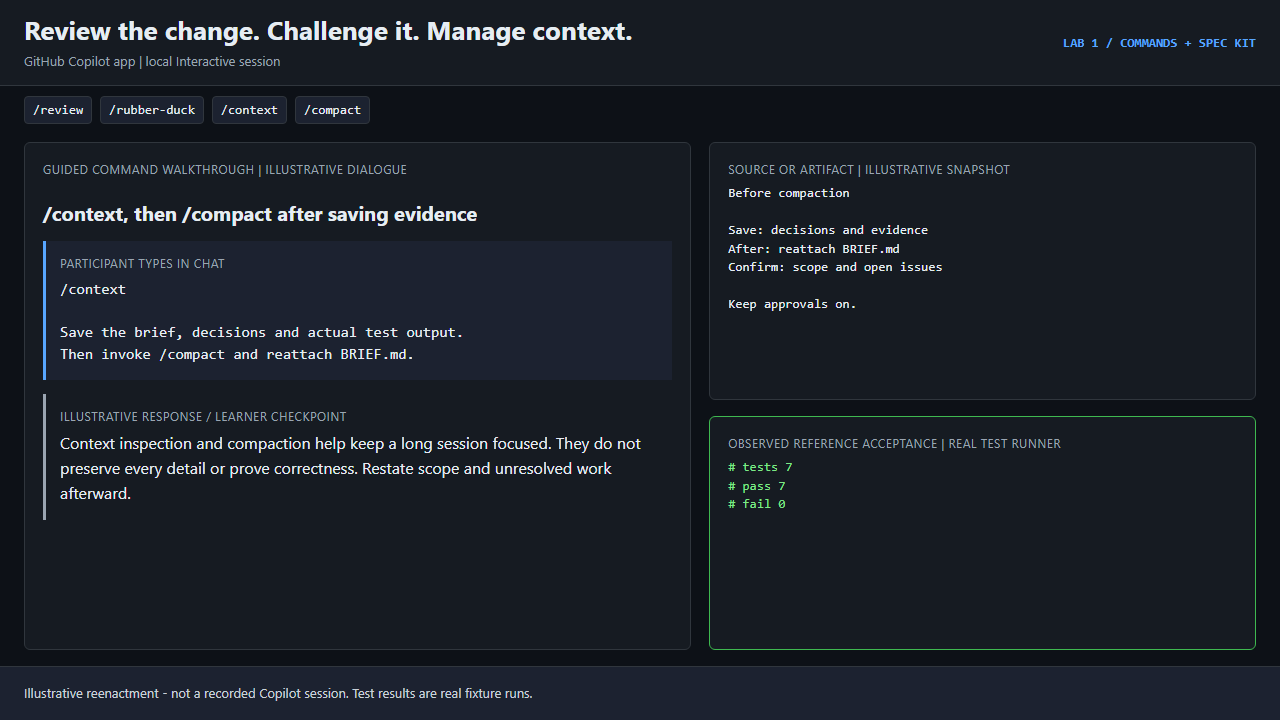
Step 4: /context, then /compact after saving evidence
Participant:
/context

Save the brief, decisions and actual test output.
Then invoke /compact and reattach BRIEF.md.
Illustrative checkpoint:
Context inspection and compaction help keep a long session focused. They do not preserve every detail or prove correctness. Restate scope and unresolved work afterward.
Source or artifact snapshot:
Before compaction

Save: decisions and evidence
After: reattach BRIEF.md
Confirm: scope and open issues

Keep approvals on.
Observed test summary:
ok 1 - existing cart behavior is preserved
ok 2 - quantities are applied
ok 3 - invalid cart lines are rejected
ok 4 - safe integer cents are enforced
ok 5 - inputs are left untouched
ok 6 - public API and scope are preserved
ok 7 - learner regressions catch the original bug
# tests 7
# suites 0
# pass 7
# fail 0
# cancelled 0
# skipped 0
# todo 0
Takeaway: The app has its own built-ins; /tests and /fix are not promised app commands.
Try it yourself: Lab 1: /commands + Spec Kit. Set up first with the lab environment guide.