Interactive browser lab
Spend AI credits on the work that matters.
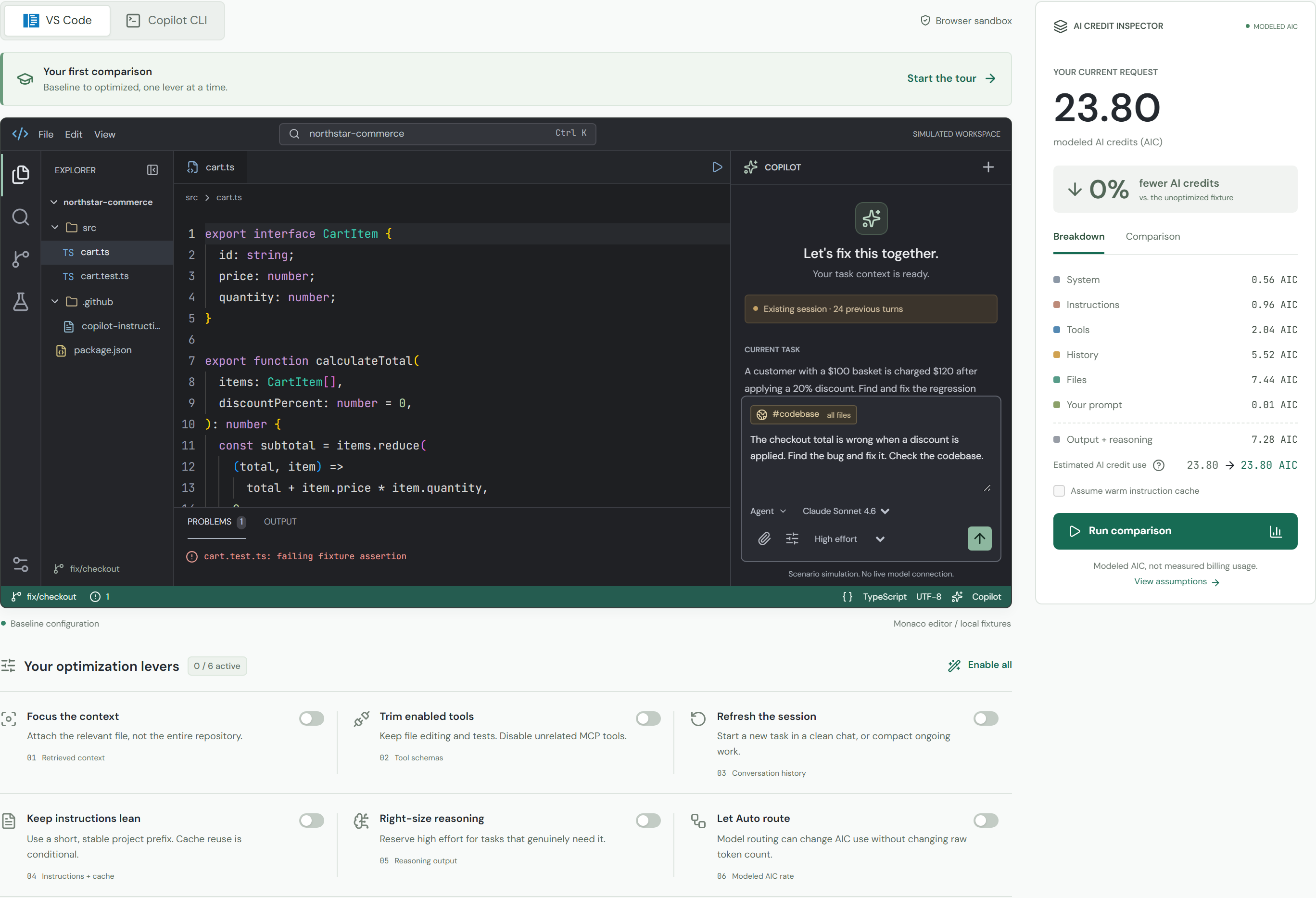
See how context, tools, conversation history, instructions, reasoning effort, and model routing change a transparent AI credit estimate—without connecting an account or calling a model.
- No sign-in
- No API keys
- Deterministic fixtures
The optimization playbook
Six decisions you can see and compare.
Each control changes one explicit part of the modeled request. The inspector shows what moved and why.
- 01Focus the context
Attach the task files instead of retrieving the whole repository.
- 02Trim enabled tools
Keep only the tool schemas needed for the current job.
- 03Refresh the session
Start clean when prior conversation no longer helps.
- 04Keep instructions lean
Preserve the constraints that matter and remove repetition.
- 05Right-size reasoning
Match the effort budget to a bounded engineering task.
- 06Let Auto route
Explore the lab's explicit blended-rate teaching assumption.
A guided comparison
Baseline. Optimize. Verify.
Complete the full exercise in a VS Code-style workspace or the simulated Copilot CLI.
- 1
Run the baseline
Start with broad context, extra tools, previous turns, and high effort.
- 2
Change one lever at a time
Watch the modeled token categories and AI credit estimate respond.
- 3
Compare the same outcome
Apply the supplied reference patch, run fixture checks, and export the report.
Built for explanation
Transparent by design.
This is an educational simulator—not billing telemetry, a benchmark, or a savings guarantee. Every estimate is produced from documented fixtures and assumptions, and no prompt leaves your browser.